Presenter's guideline - WS2 : Conveyor & Sensor Integration
Step 2: Demonstrate the Conveyor
Action:
-
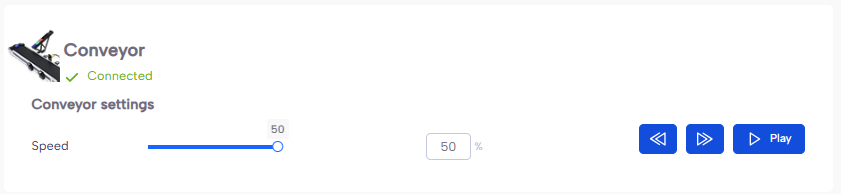
On the equipment tab of NiryoStudio, scan the tools and show how the conveyor works in forward, backward, and different speeds.
Speaker notes:
“Here is our conveyor. It can move forward or backward, and we can control its speed. Let’s see it in action.” (Show conveyor moving forward, then backward, then adjust speed.)
“This is important because we’ll be controlling the conveyor directly from our Blockly program.”