Presenter's guideline - WS0 : From simulation to Real world
Step 1: Getting Started with the Simulation
Action:
-
Click “Launch Simulation” from NiryoStutio
-
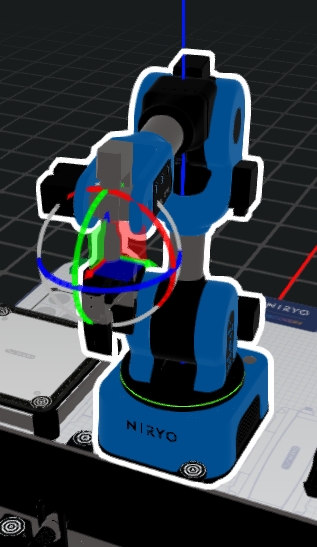
Click on the robot in the simulation — a gizmo will appear on the end effector.
-
Use this gizmo to move the robot:
-
Drag a single axis arrow to move linearly along that axis.
-
Drag a plane to move the robot along the corresponding XY plane.
Speaker notes:
“In the simulation, we can manually move the robot using the gizmo. Selecting an axis moves the robot straight along that direction, while selecting a plane allows us to slide it smoothly across two dimensions.”