Presenter's guideline - WS1 Pick & Place Basics
Step 5: Explain the Three Buttons on the End Effector
Action:
-
Show on the end effector the 3 buttons: FreeMotion, Save, and Custom.
-
Demonstrate each button’s function.
Speaker notes:
“Let’s take a closer look at the 3 buttons on the robot’s gripper. These are our main controls during the workshop.”
“First is FreeMotion. When pressed, it releases the motors so you can move the arm by hand.” (Press FreeMotion and move the arm.)
“Next is Save. When you press once Save, the robot records the current position of the arm and adds it directly into the Blockly program.” (Show by moving arm and pressing Save once.)
“If you press and hold the Save button, the entire trajectory will be recorded instead of just a single position.” (Press and hold the button, move the arm along a small trajectory, name the trajectory, and then press Play to run it.)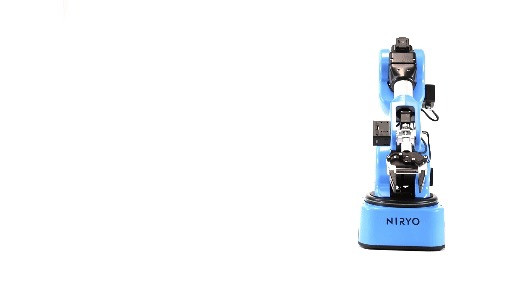
“Finally, the Custom button controls the gripper. It opens or closes the gripper or activates the vacuum pump. Note that Custom doesn’t save the action in Blockly — it just triggers the gripper action.” (Press Custom to open/close gripper.)
The first press on the button scans the tools. You may need to press it multiple times if the tool has not been scanned yet.
Remove the block you created to have an empty program