Rules

Setup

Equipment

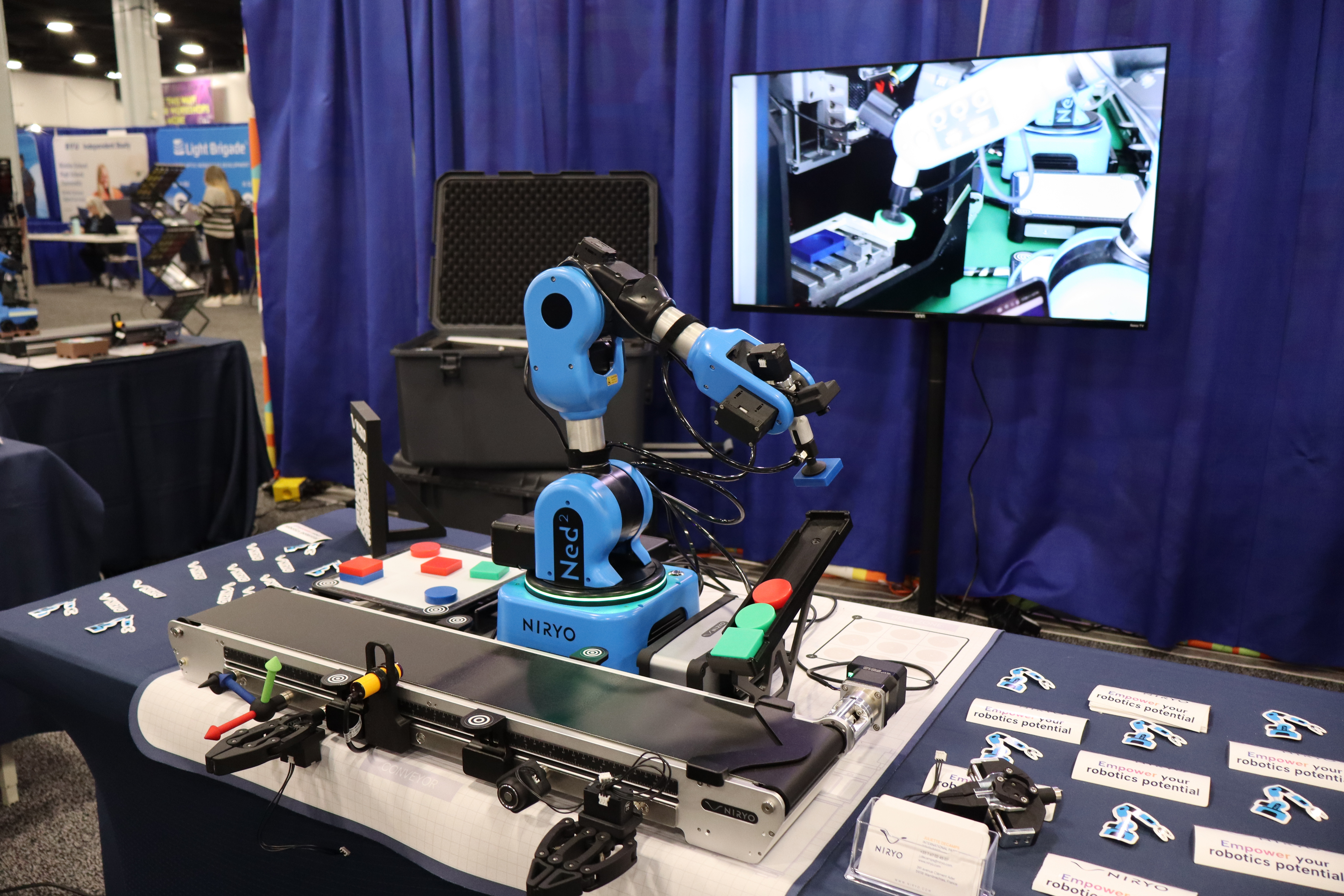
Here are the various elements to be used to complete this challenge:

  • Robot: 1x Ned2 with Custom Gripper.
  • Vision & Sensors: Vision Kit, IR Sensor, End Stopper (physical limit).
  • Transport: Niryo conveyor and mat.
  • Software: Niryo Studio (installed and functional).
  • Parts in Play: The different parts to be printed, with indicated quantities and 3D files available here.
  Shape Color Quantity
Standard package Square Blue 6
Large package Rectangle Green 4
Reject Square Red 2
Special piece Unique Blue 1
Reject bin Unique - 1

Setup

For the installation, please follow these steps:

  • Place the Niryo mat on a flat and stable surface.
  • Arrange the robot, the Vision Set, and the conveyor in their designated spots, having previously fixed the snap links.
  • Install the gripper on the robot head and connect it to the arm.
  • Place the end-stopper at the end of the conveyor and the IR sensor at the stopper level.

  • Also, place the 4 workspace landmarks on the conveyor.

  • Place the reject bin in the Beta zone.

Once the setup is finished, it must remain fixed throughout the challenge. Indeed, teams must not change the equipment's location under any circumstances. Only the robot and the packages can be manipulated to work on the challenge.