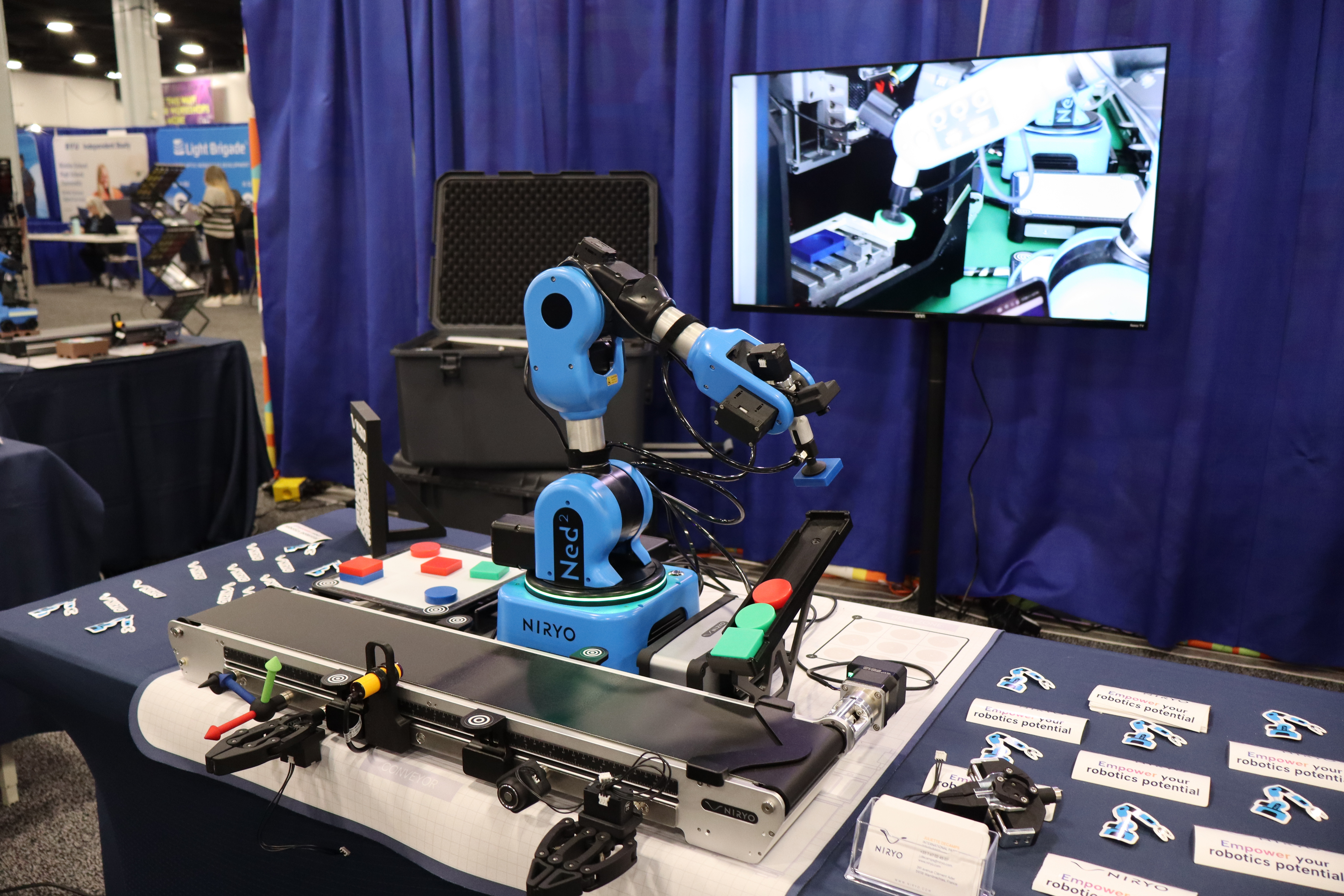
Presenter's guideline - WS1 : Pick & Place Basics
Step 6: Record Pick and Place Positions
Action:
-
Check if the gripper is open or press custom to open the gripper
-
Using FreeMotion, position the arm in the following sequence, pressing Save at each:
-
Above the object (safe position)
-
At the object (grasp position)
-
Above the object (after grasp)
-
Place position (where the object will be released)
Speaker notes:
“Now, let’s program the positions for our pick and place task. I’ll move the arm using FreeMotion to a position just above the object — this is a safe spot to approach from.”
“Press Save to record this first position.” (Demonstrate.)
“Next, I’ll lower the arm to the object itself — where we want to pick it up — and press Save.”
“After grasping, we return to the safe position above the object and save it again.”
“Finally, move the arm to the place position — where the object will be released — and press Save.”
“By saving these positions, the robot will know exactly where to move during the program.”