


Abschnittsübersicht
-
-
Automatic download in a zip file
To use these .json files:
- Unzip the files
- Open NiryoStudio
- Go to Library
- Click on Import
- Browse through your unzipped files and select the Blockly program you would like to use
-
-
Optimize public engagement based on the desired level of interaction:
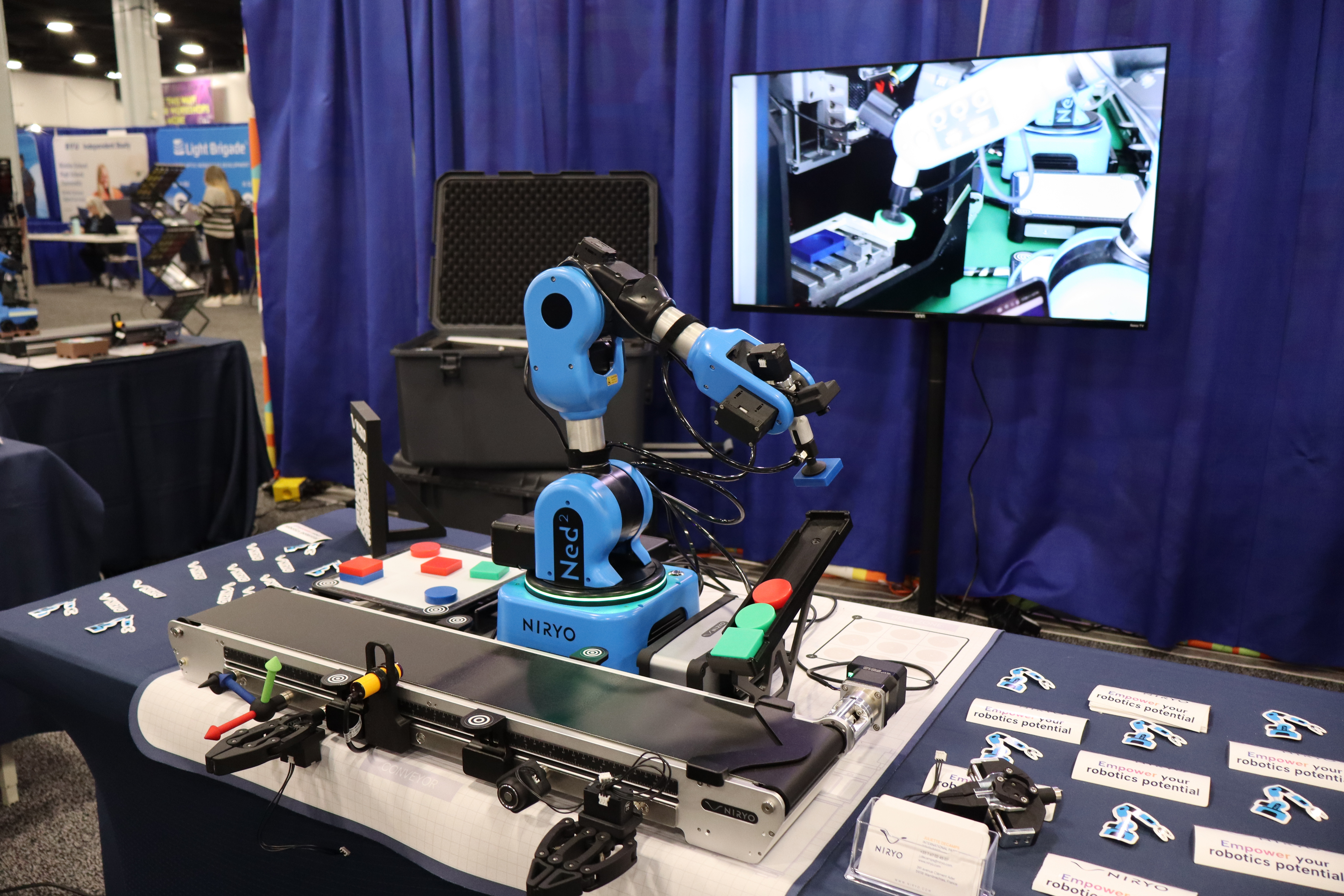
Dedicated Workshops:
1-hour sessions based on Workshop 1. Participants use the learning mode of the NED2 to teach the robot their first pick-and-place cycle.
-