


Rules (Student Edition)
Challenge Factory Tower: A Game That Will Keep You on the Edge
Welcome to the Factory Tower challenge. More than just a simple construction task, this challenge plunges you into the heart of an automated production line where technical precision meets industrial strategy.
The mission: Build a tower with a target height of 10 units, where the last two units are reserved for placing a special piece, in record time.
- Standard Package: 1 unit.
- Large Package: 2 units (if positioned vertically).
- Special Constraint: Integrate a unique "critical piece" (2 units) within the structure without compromising its stability.
Equipment
The following elements will be used to complete this challenge:
- Robot: 1x Ned2 with Custom Gripper.
- Vision & Sensors: Vision Kit, IR Sensor, End Stopper (physical limit).
- Transport: Niryo conveyor and mat.
- Software: Niryo Studio (installed and functional).
- Parts in Play: Various pieces to be printed (quantities indicated) and 3D files available here.
| Shape | Color | Quantity | |
| Standard package | Square | Blue | 6 |
| Large package | Rectangle | Green | 4 |
| Reject | Square | Red | 2 |
| Special piece | Unique | Blue | 1 |
| Reject bin | Unique | - | 1 |
Setup
For the installation, please follow these steps:
- Place the Niryo mat on a flat and stable surface.
- Position the robot, the Vision Set, and the conveyor in their designated spots, having previously fixed the snap links.
- Install the gripper onto the robot head and connect it to the arm.
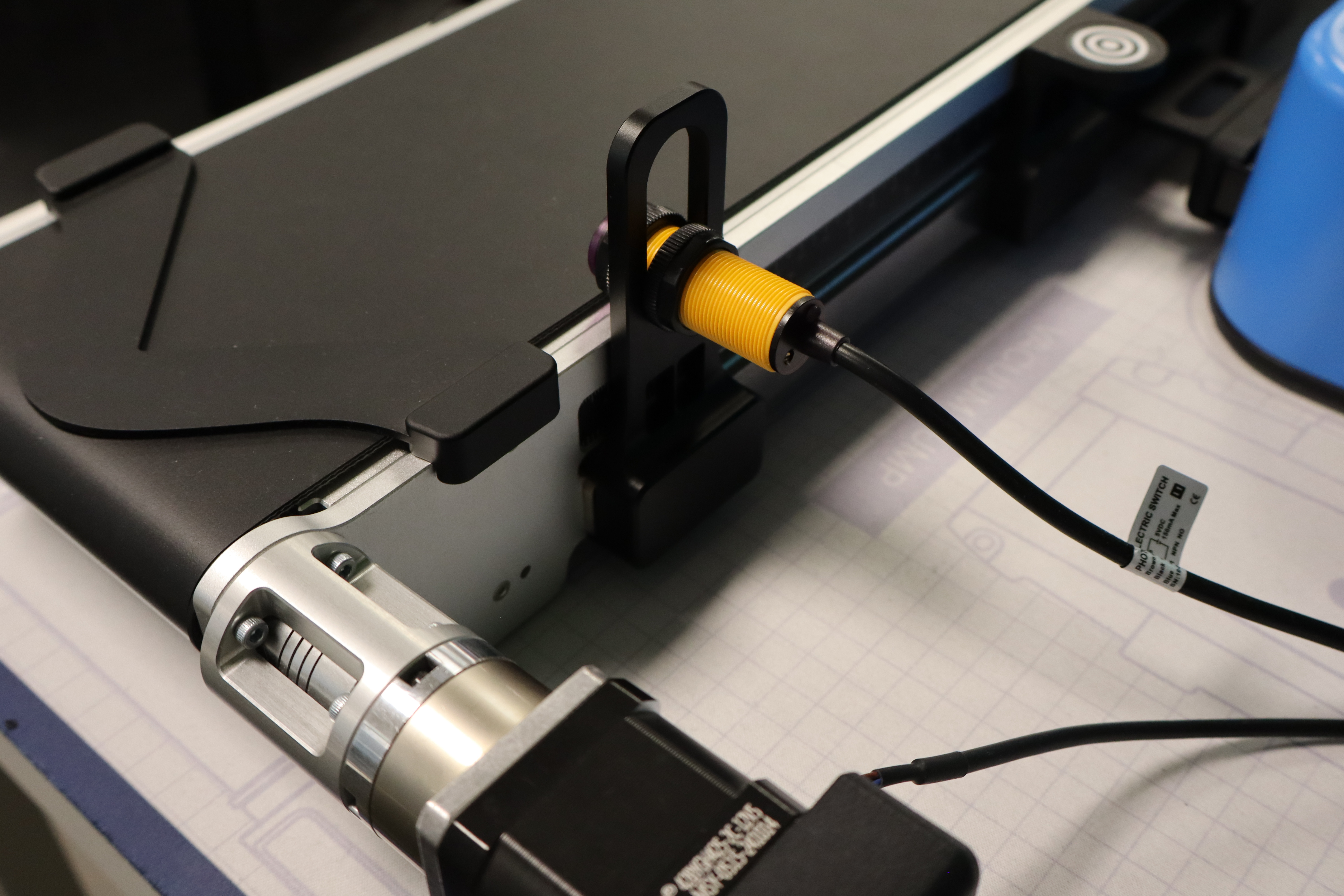
- Place the end-stopper at the end of the conveyor and the IR sensor at the stopper level.
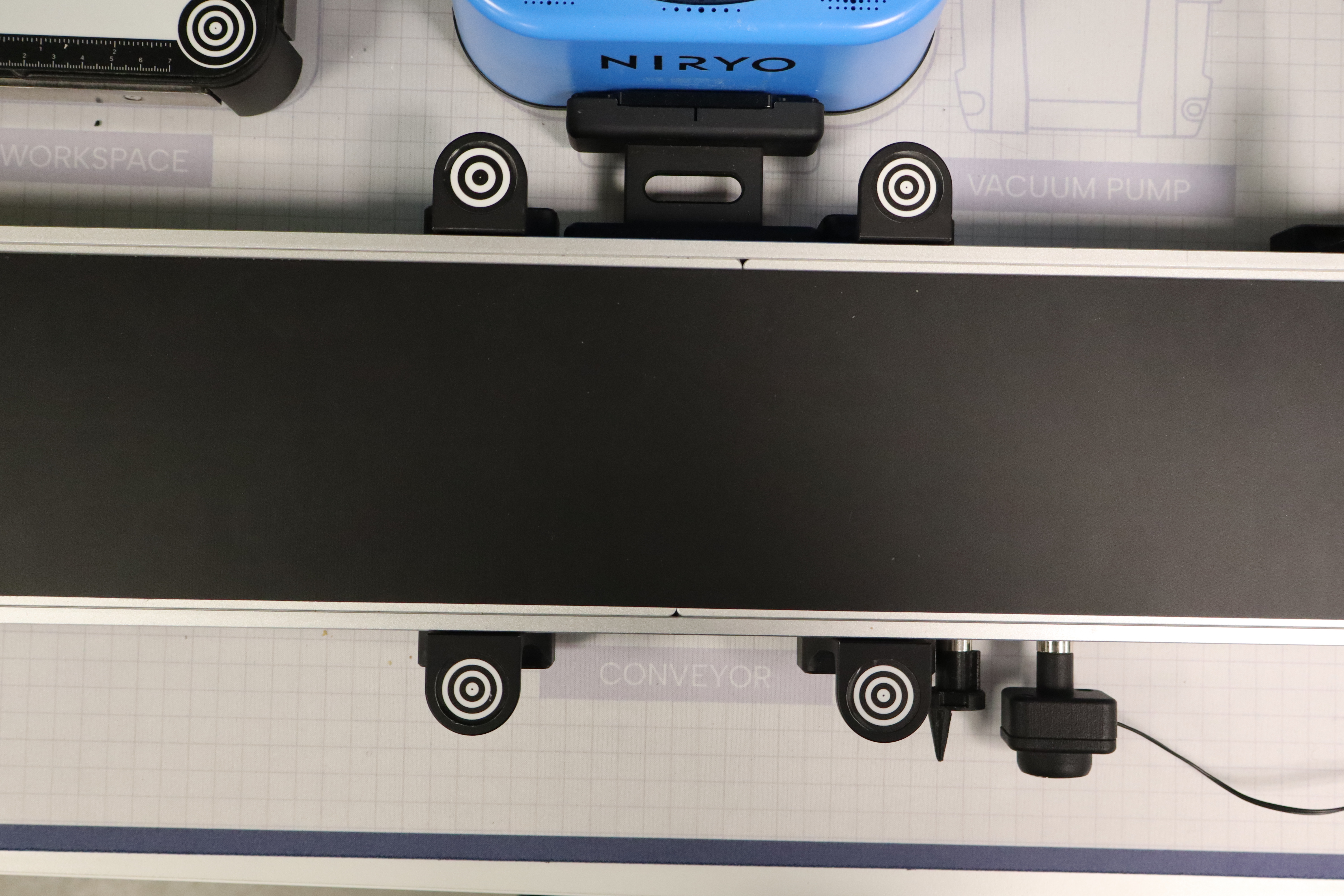
- Also, place the 4 workspace landmarks on the conveyor.
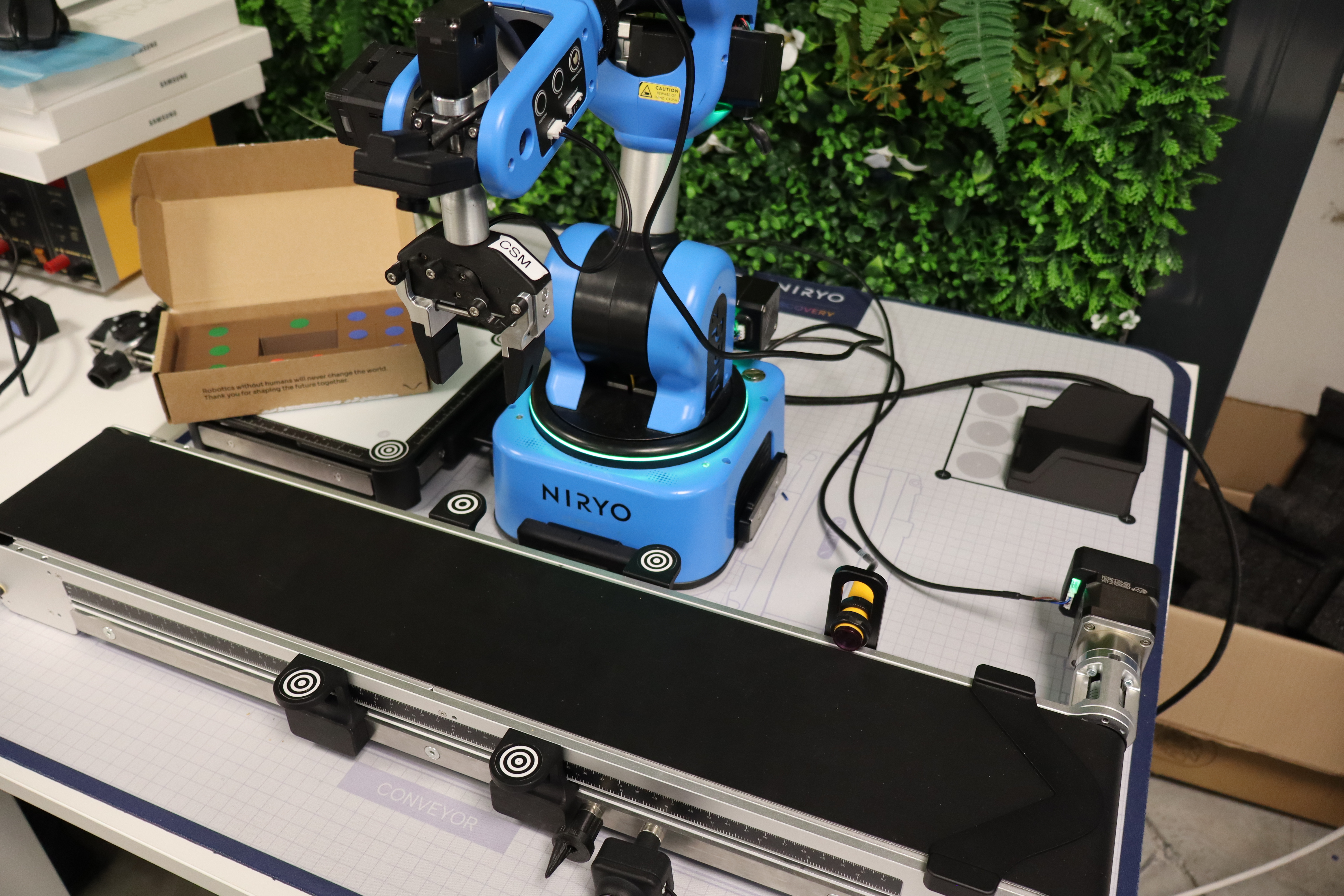
- Place the reject bin in the Beta zone.
Once the setup is finished, it must remain fixed throughout the challenge. Indeed, teams must not change the equipment's location under any circumstances. Only the robot and the packages can be manipulated to work on the challenge.
Project Objectives and Constraints
The objective of this project is to design and optimize an automated sorting and palletizing program via the NiryoStudio interface. The system must process heterogeneous flows of packages (variable sizes and colors) introduced manually upstream of the conveyor.
Operational Workflow
-
Selective Sorting: The robot identifies packages in real-time. Non-compliant units (red packages) are systematically isolated and placed in a reject zone.
-
Tower Construction: Valid packages (standard and large) are routed to the Vision Set. The robot assembles them to build a stable structure on a dedicated plate.
-
Special Finalization: The operation culminates with the placement of a specific piece. This step is crucial: the stability of the building and the precision of the placement determine the success of the challenge (item reward).
Strategic Stakes
The major challenge of this development lies in reducing the cycle time (execution speed). Although many software strategies are possible, efficiency depends on optimizing trajectories and the fluid communication between the vision sensors and the arm actuators.
Challenge Procedure
The smooth running of the production line relies on strict coordination between the human operator and the NiryoStudio interface. The procedure follows these steps:
Role of the Operator
Each group member successively acts as the line operator. Positioned facing the robot, they are responsible for feeding the conveyor and ensuring the compliance of the logistical flow.
Start Signal and Stopwatch Management
The cycle launch is subject to a temporal precision rule:
-
Activation: The stopwatch must only be started after the effective start of the conveyor by the code.
-
Penalty: Any early start (before the motor pulse) will result in a flat 5-second penalty added to the final time.
-
Loading: Once the stopwatch is started, the operator can proceed with depositing the first package.
Command Sequence
To ensure fairness between teams, all groups are subject to a common roadmap.
-
Configuration: The order of arrival for the three types of packages is predefined.
-
Confidentiality: This sequence will remain strictly confidential until the official launch of the trial, forcing teams to develop code flexible enough to handle any arrival order.
If the operator makes a mistake in the package order, a 3-second penalty is given each time it happens.
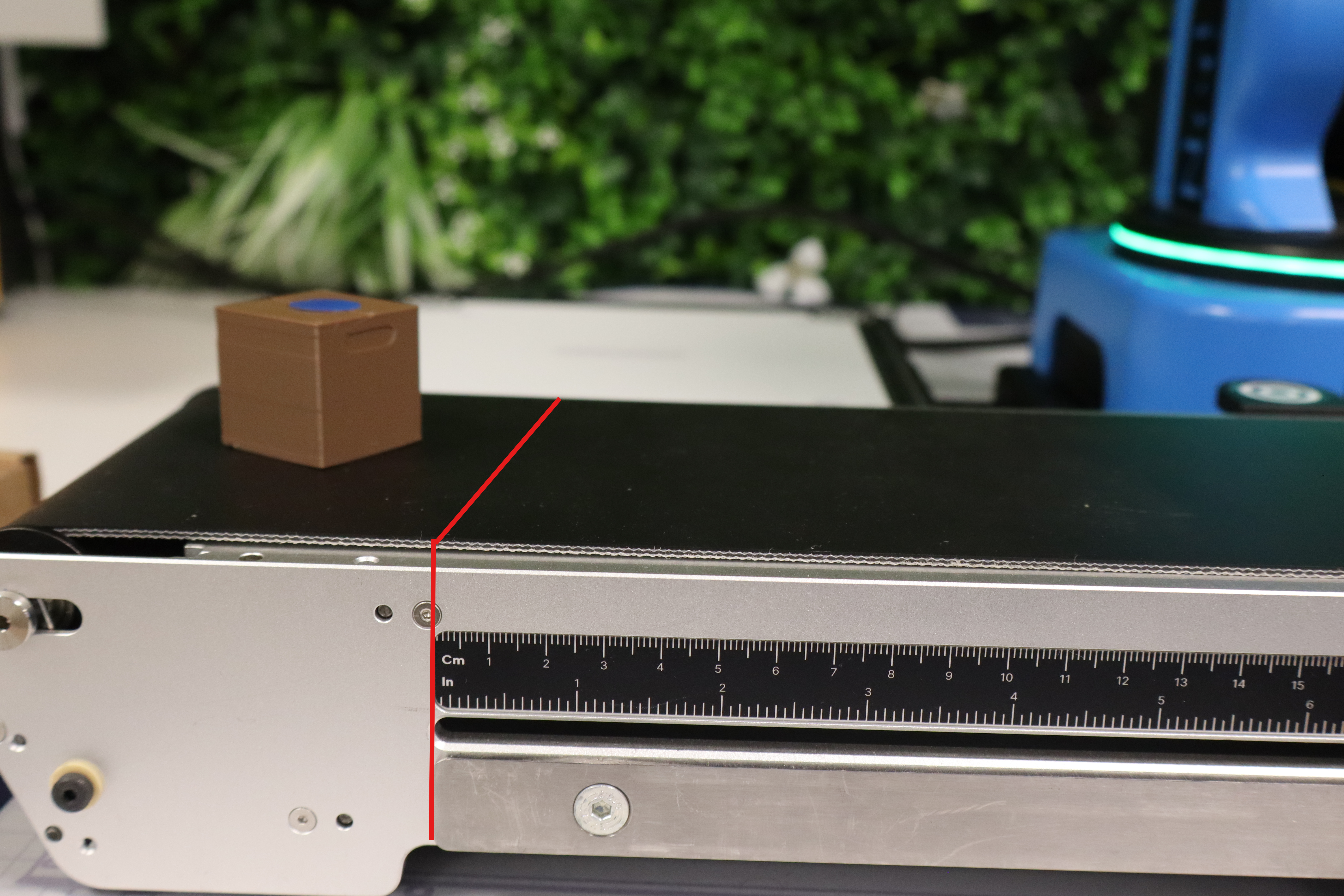
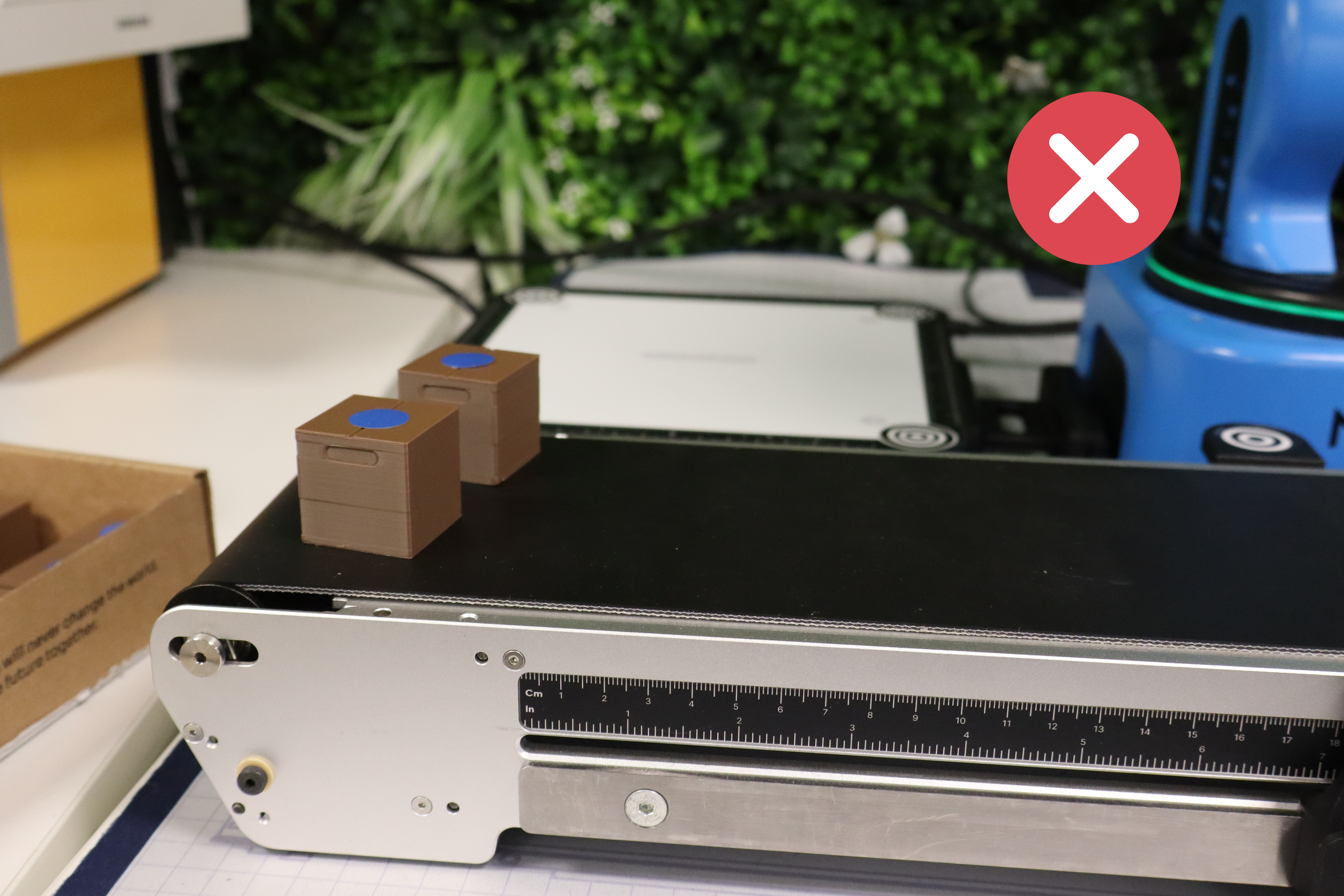
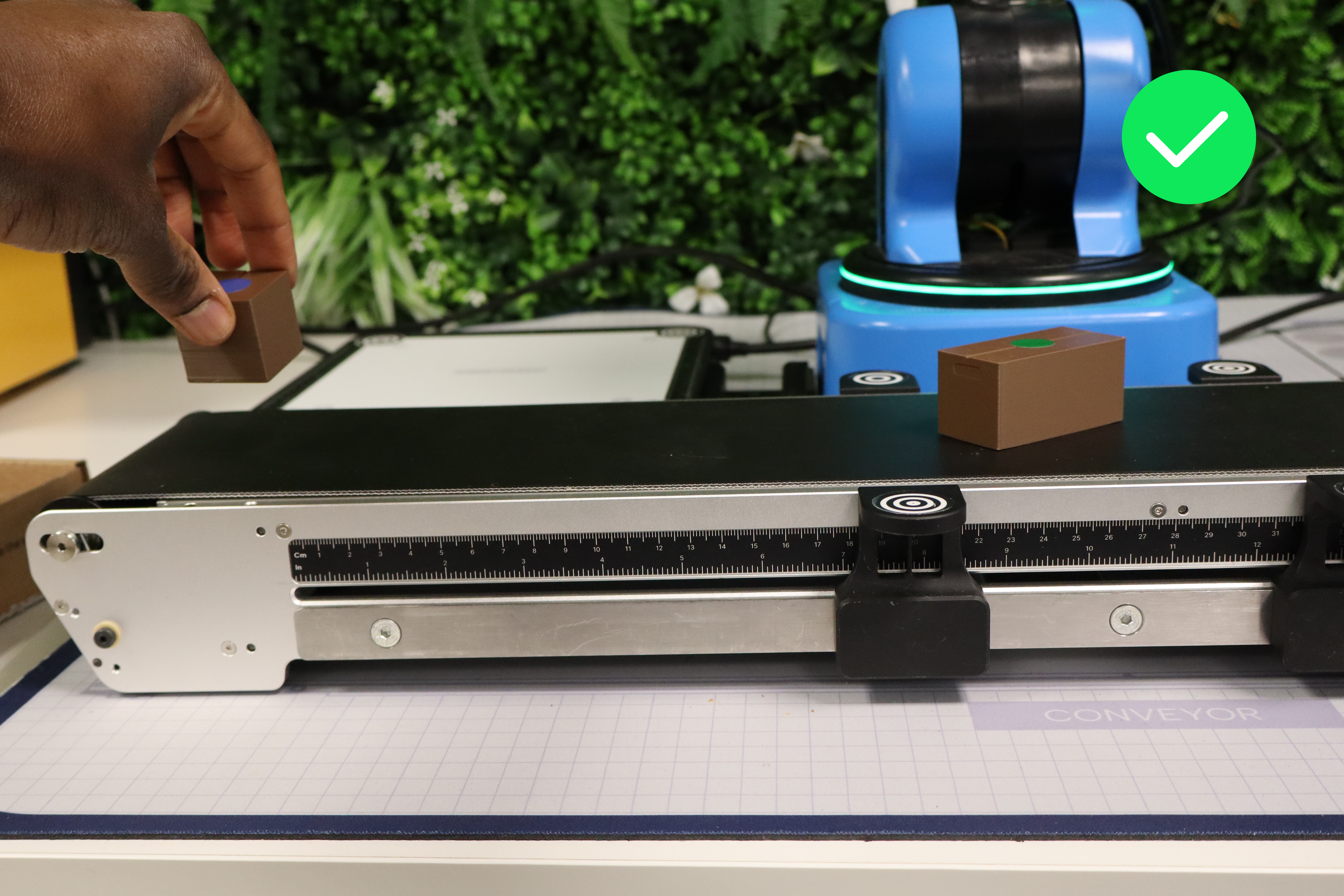
Packages must be placed in the dedicated zone illustrated in red. In case of non-compliance, a 2-second penalty is given.
To save time, and depending on each group's strategy, it is entirely possible to sequence the placement of packages, but they must be placed one by one. If several packages are deposited at the same time, a 2-second penalty is given.
Package Sorting
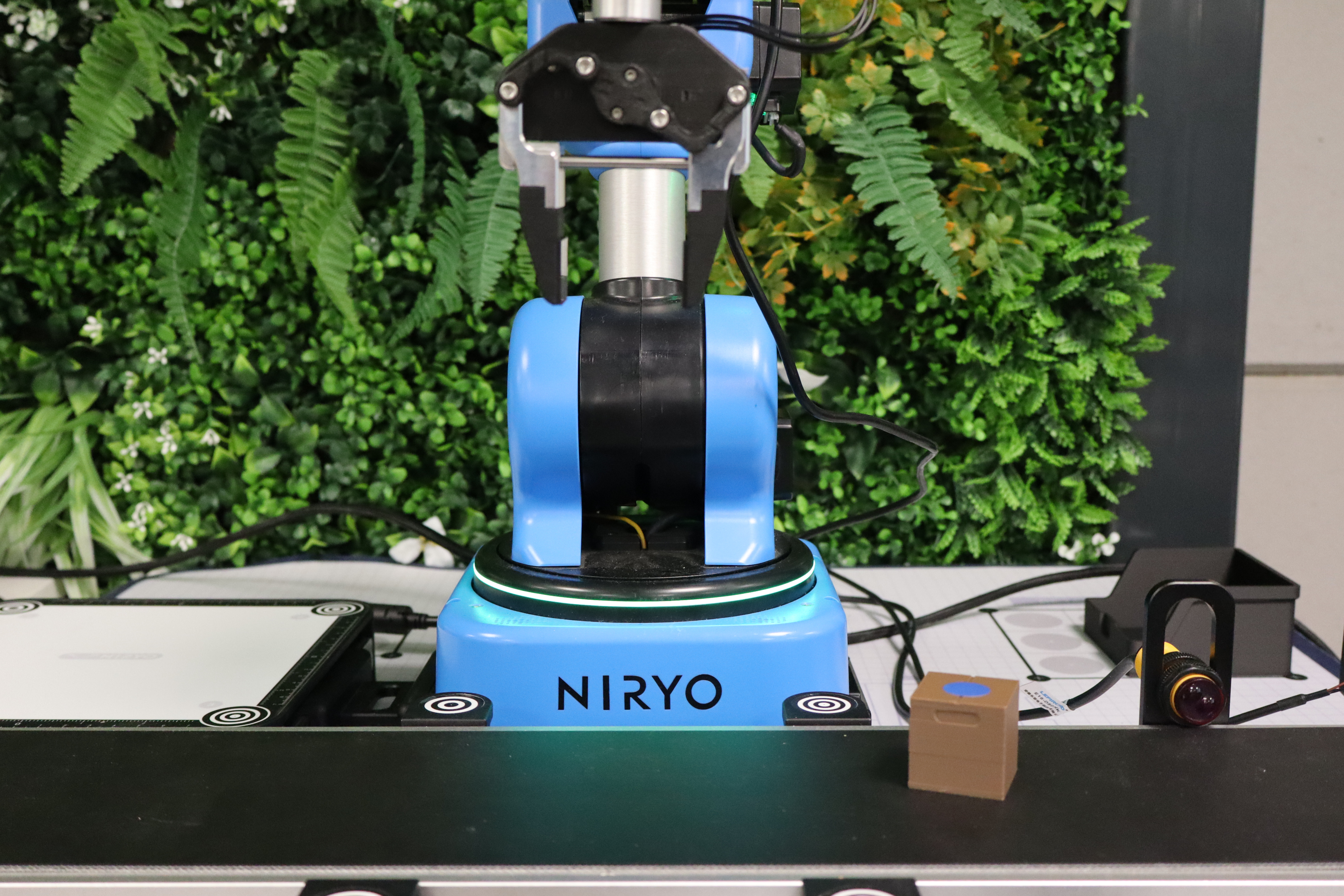
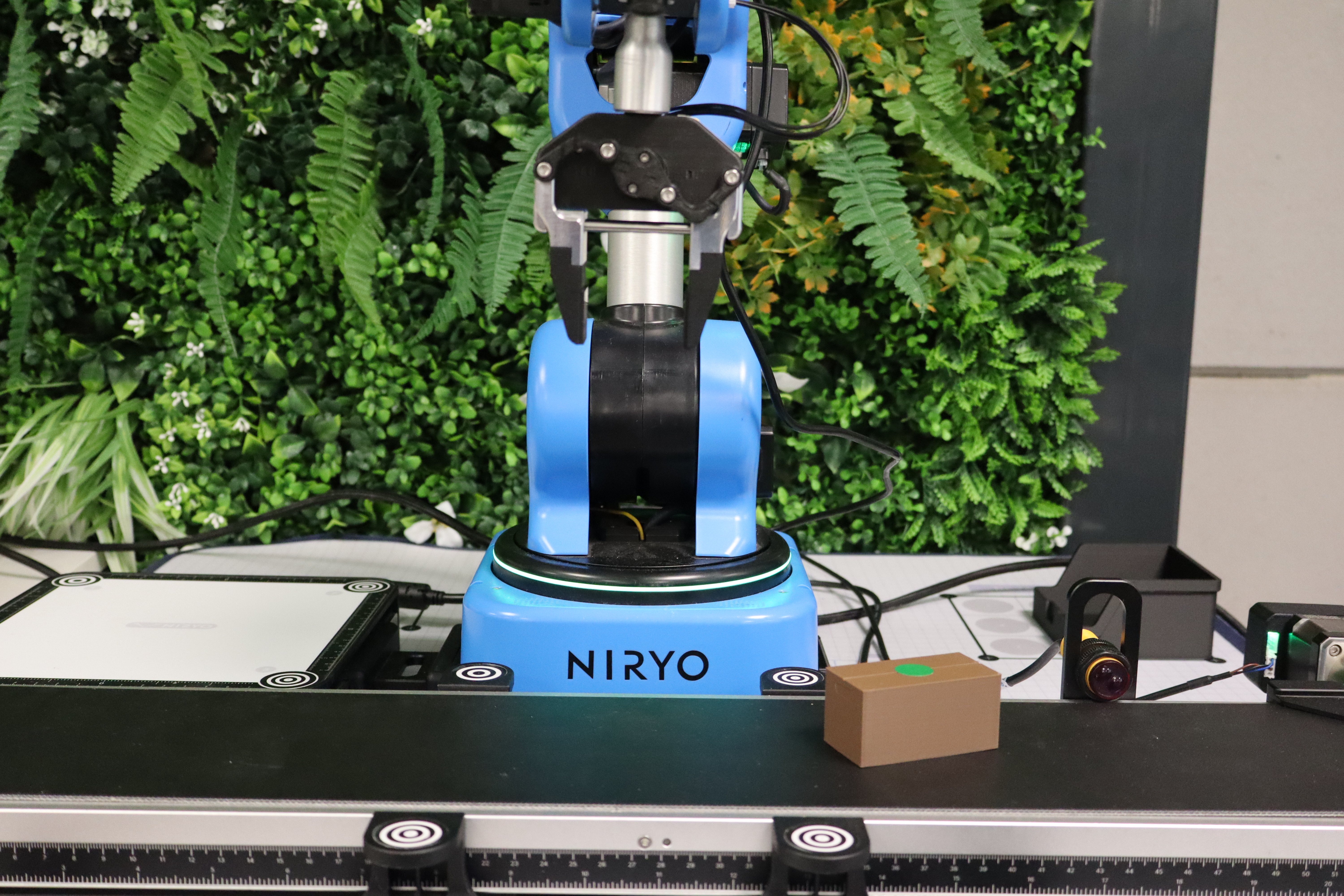
Once the package is placed on the conveyor, the next step is sorting. To do this, the groups must use camera vision to detect the color of the sticker.
- If the color is green or blue, the package must imperatively go to the end of the conveyor.
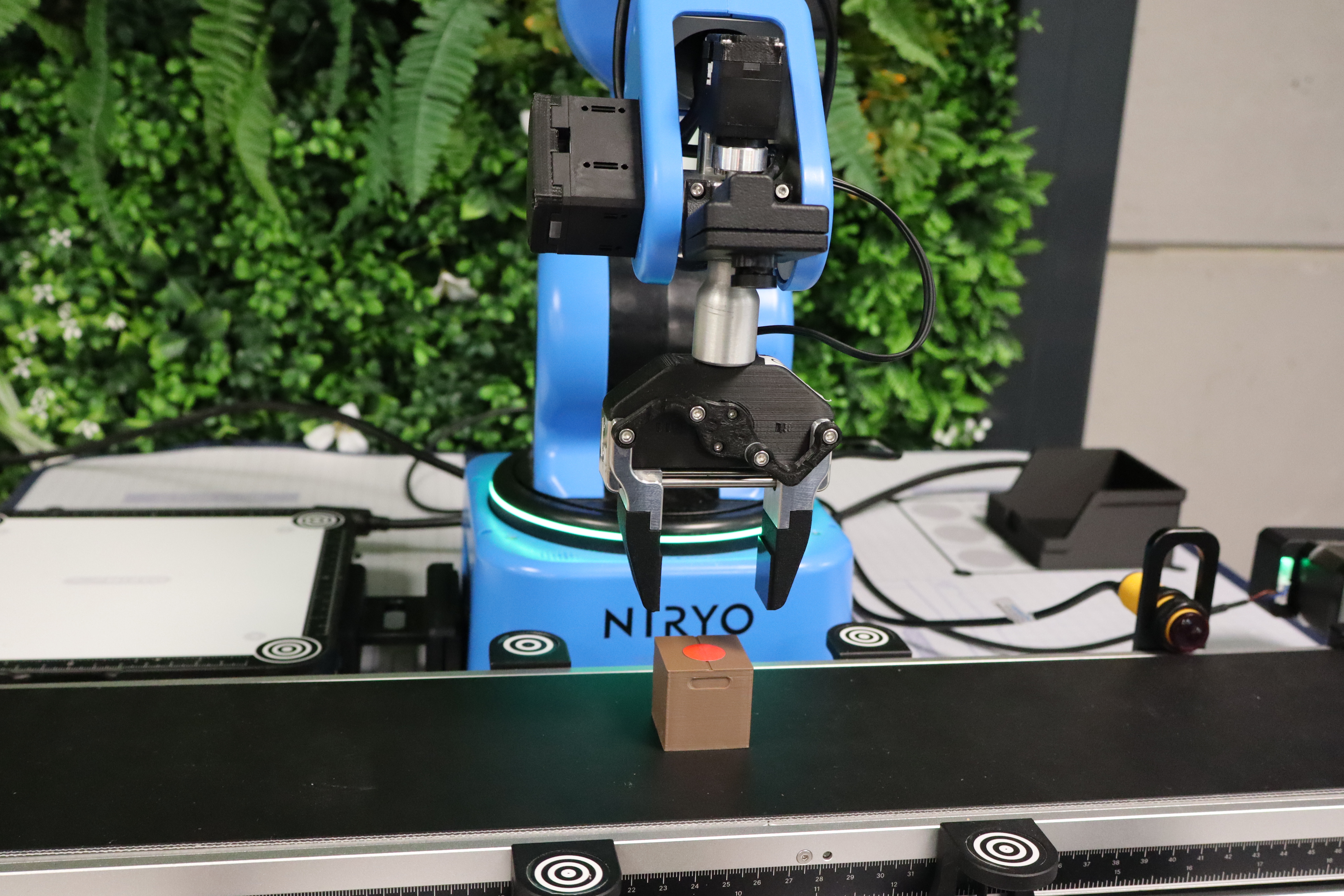
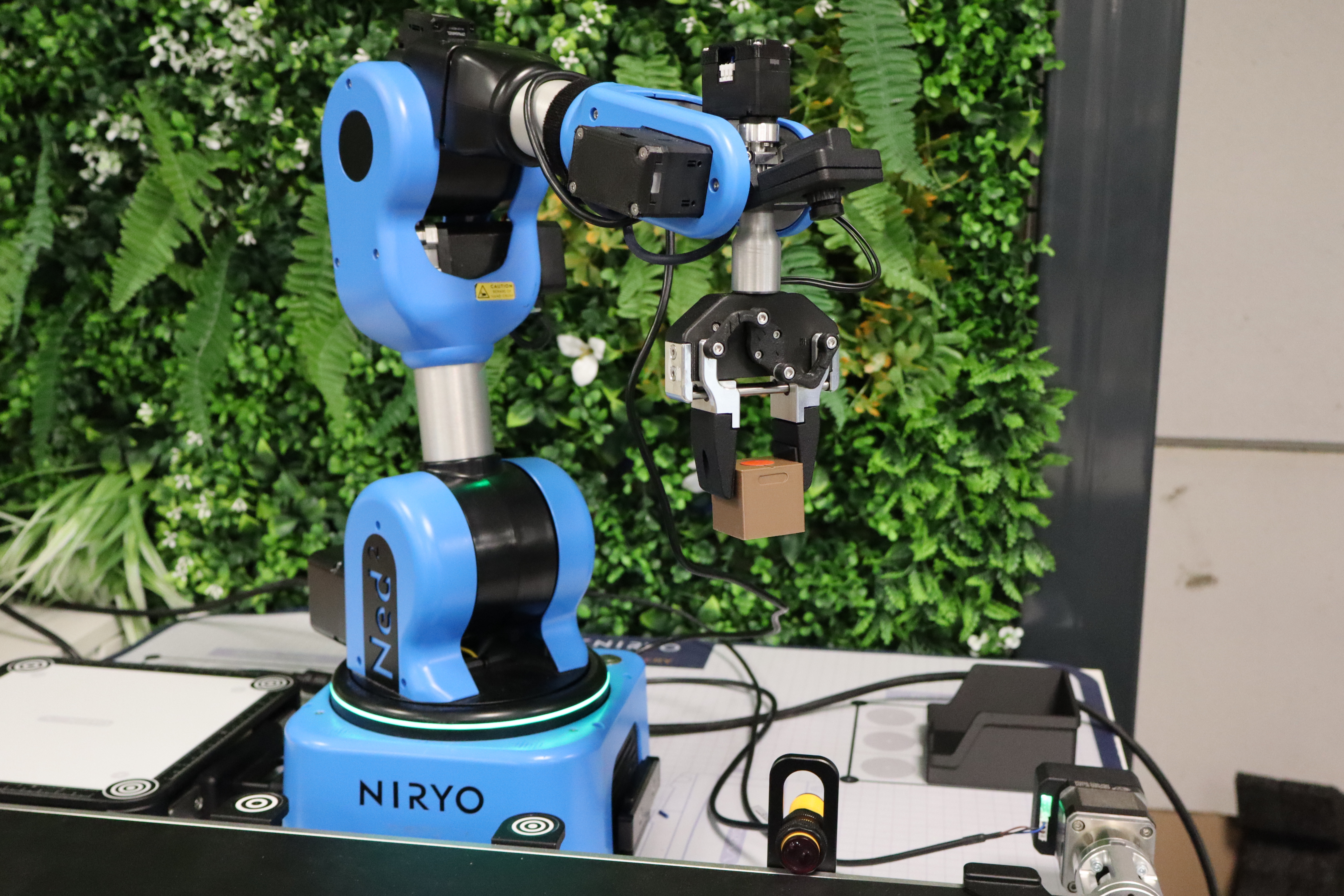
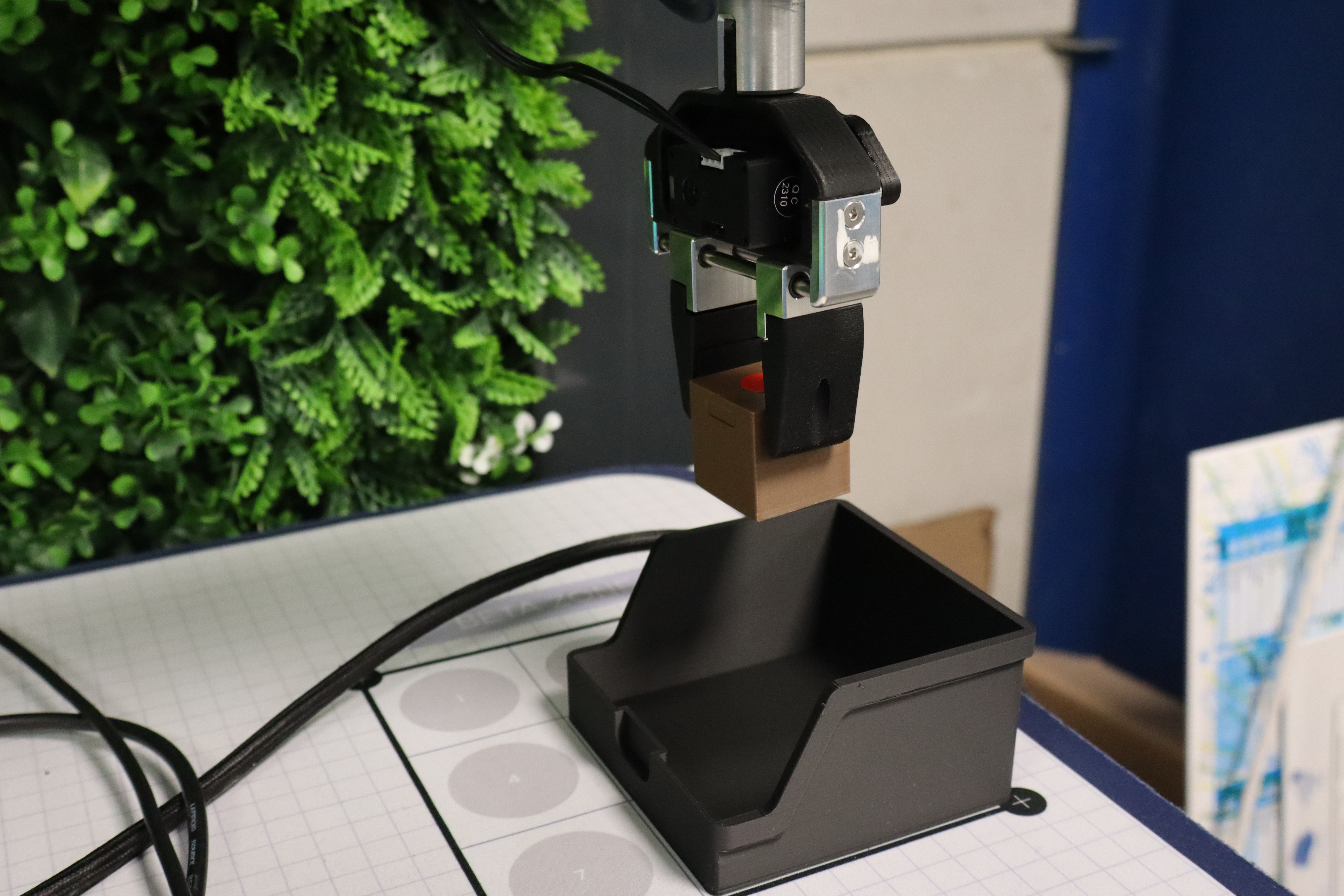
- If the color is red (reject), the robot must pick up the package and put it in a reject bin located in the Beta Zone. Two methods are possible for package retrieval: a classic pick by taking a precise position for the gripper (risky because the package doesn't stop at the same mm each cycle), or via Vision Pick.
Package Transport
Routing and Conveyor Speed Management
The conveyor speed can be defined by the group itself.
Stopping Packages
For standard and large packages, they are transported at least to the IR sensor. If a bad placement occurs after a package stops and requires human intervention to help the robot pick up the package properly, a 5-second penalty is given.
Tower Building
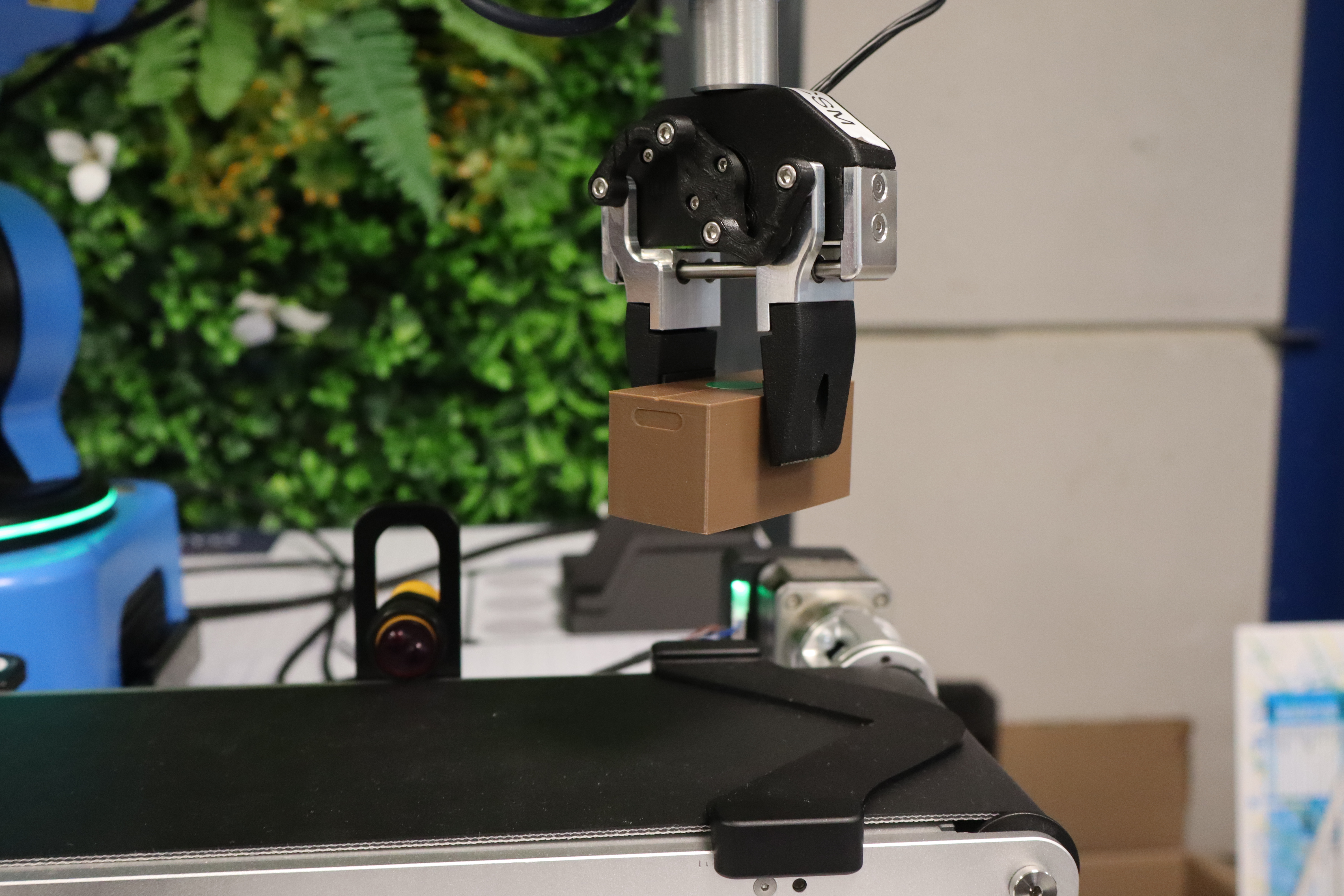
As soon as the package reaches the desired position, the robot must be able to retrieve it. After retrieving the package, the robot must transport it to the Vision Set level to begin forming the tower.
Throughout the cycles, these packages can be placed horizontally or vertically and anywhere on the vision set.
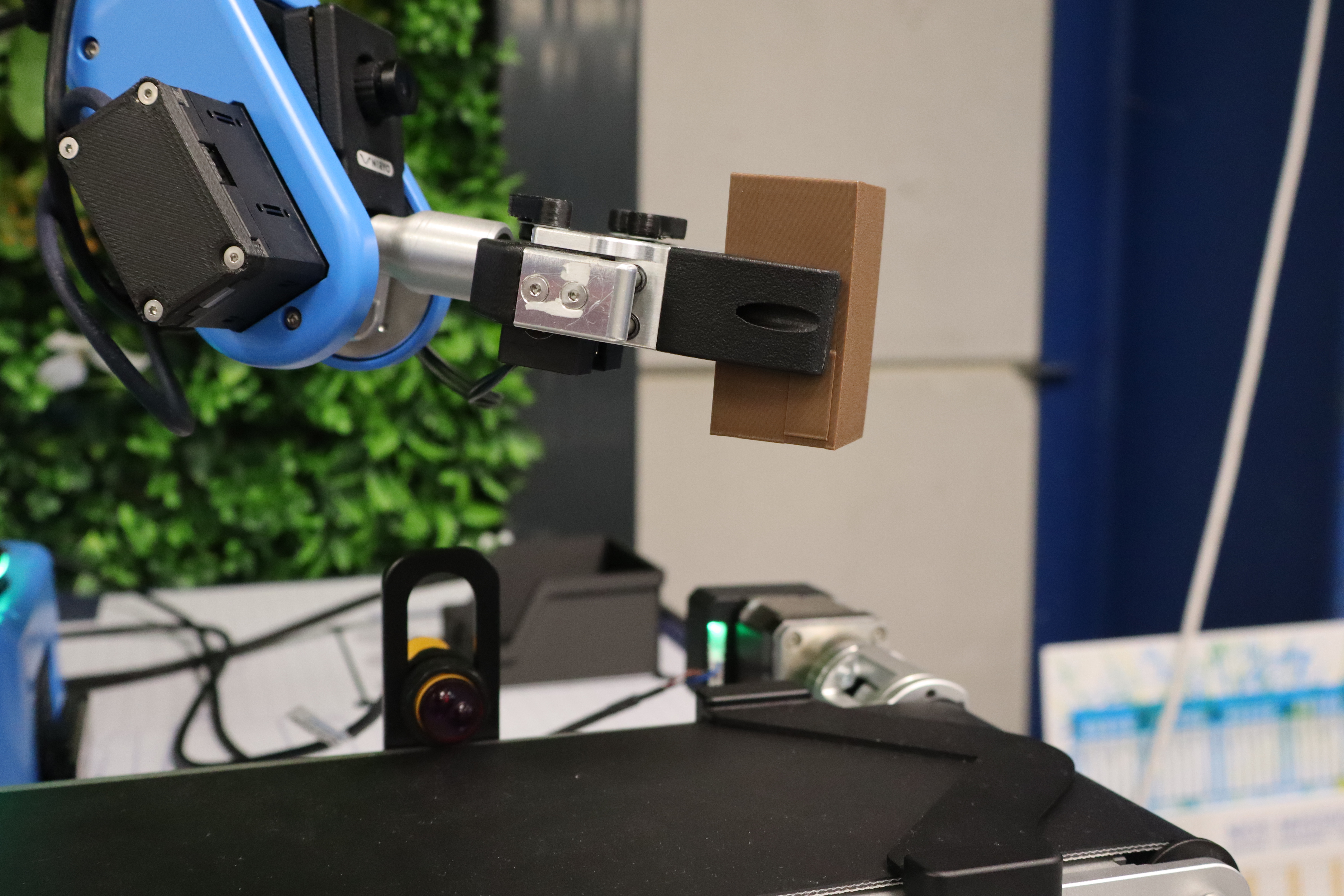
Additionally, it is entirely possible to set them aside on the Vision Set to be picked up later for tower construction.
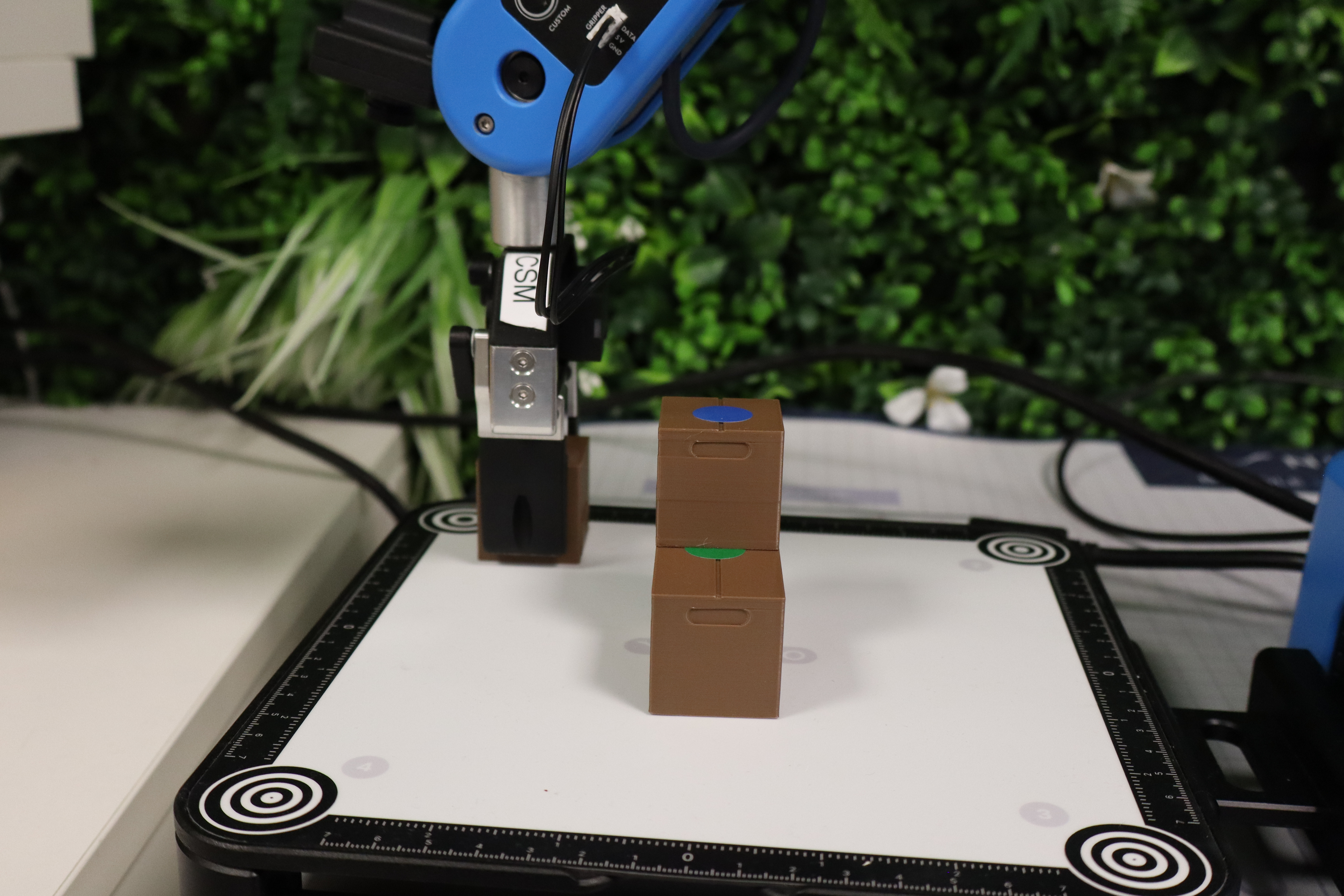
Everyone is free to use their own strategies. Depending on the strategy, the number of packages used to reach a height of 8 units may vary. The goal here is to reduce this number for a shorter construction time and, potentially, in case of a tie, an advantage in the rankings. Once the 8-block threshold is reached, the top floor must be dedicated to placing the special piece (2 units).
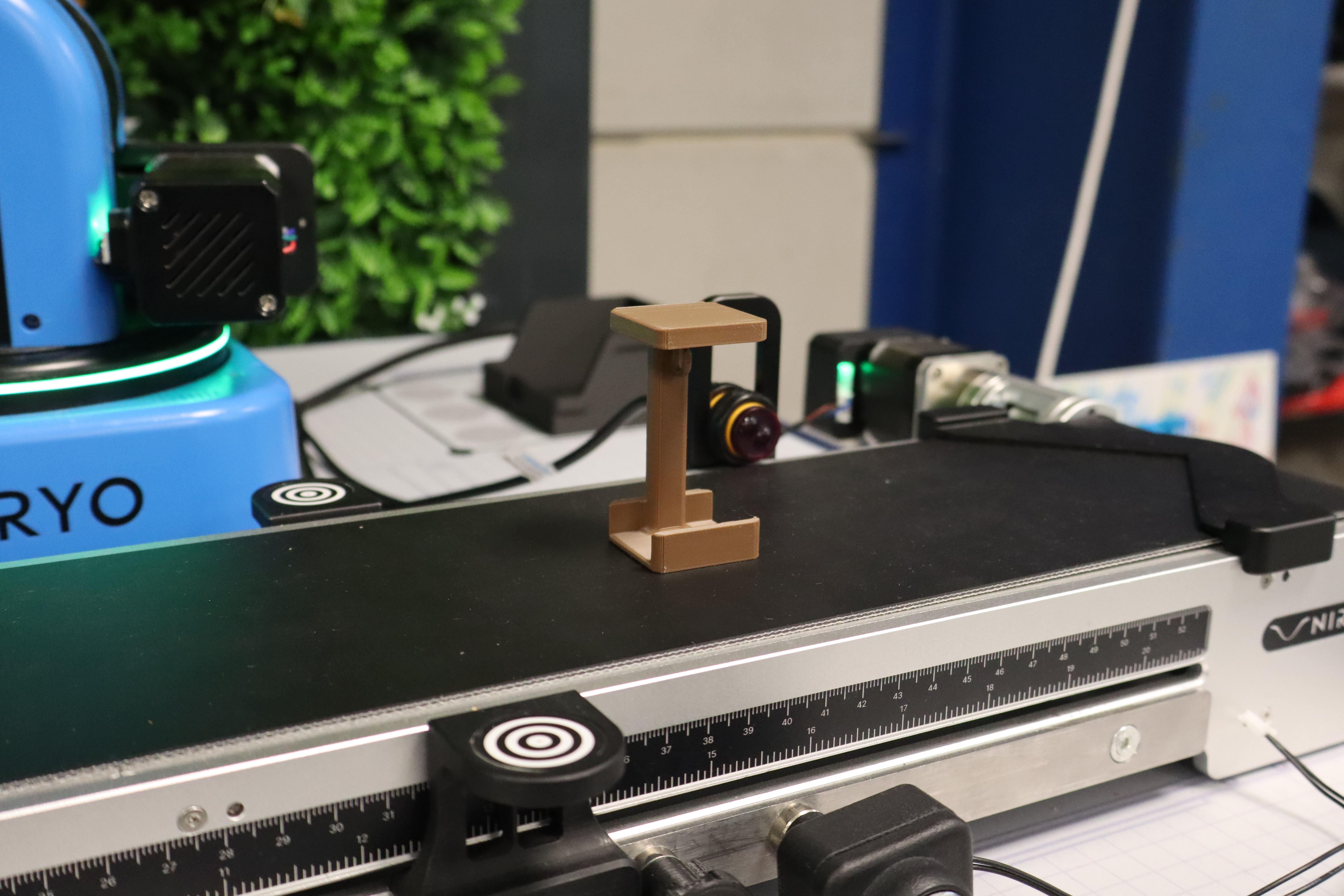
Thus, if the group reaches the 8-block threshold before using all the blocks from the command sheet, they can go directly to placing the special piece. Depositing it marks the end of the challenge, and the operator must stop the stopwatch as soon as the gripper has left the construction zone. They take the item of this piece as a reward for the successful challenge.
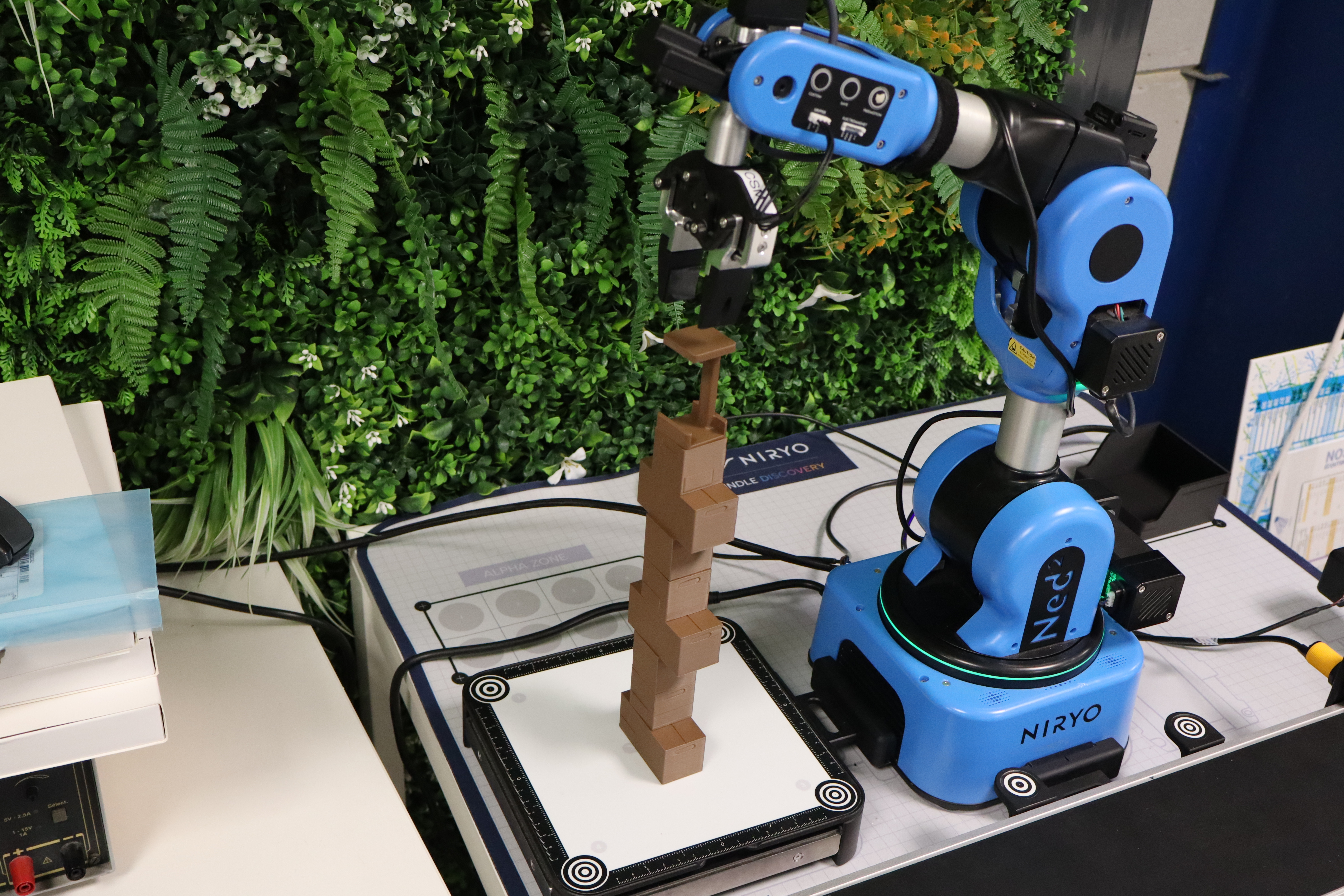
Packages that fall during tower construction can be put back by hand, but a 5-second penalty is given for each package.
In case of a program stop, regardless of the problem, the operator can put the package back in the dedicated starting zone and restart the code. In this case, no penalty is applied, as these manipulations already waste time while the stopwatch continues running.
Scoring System
Points Calculation
Construction: The winning team is the one finishing the tower as quickly as possible after adding the various penalties.
Here is a summary of the faults and their penalties.
| Faults | Penalty Time |
| False start | 5 seconds |
| Wrong placement of packages on the starting line | 2 seconds |
| Multiple packages are deposited simultaneously | 2 seconds |
| Error following the command sheet | 3 seconds |
| Human intervention | 5 seconds |
| Introduction of a reject into the tower | 5 seconds |
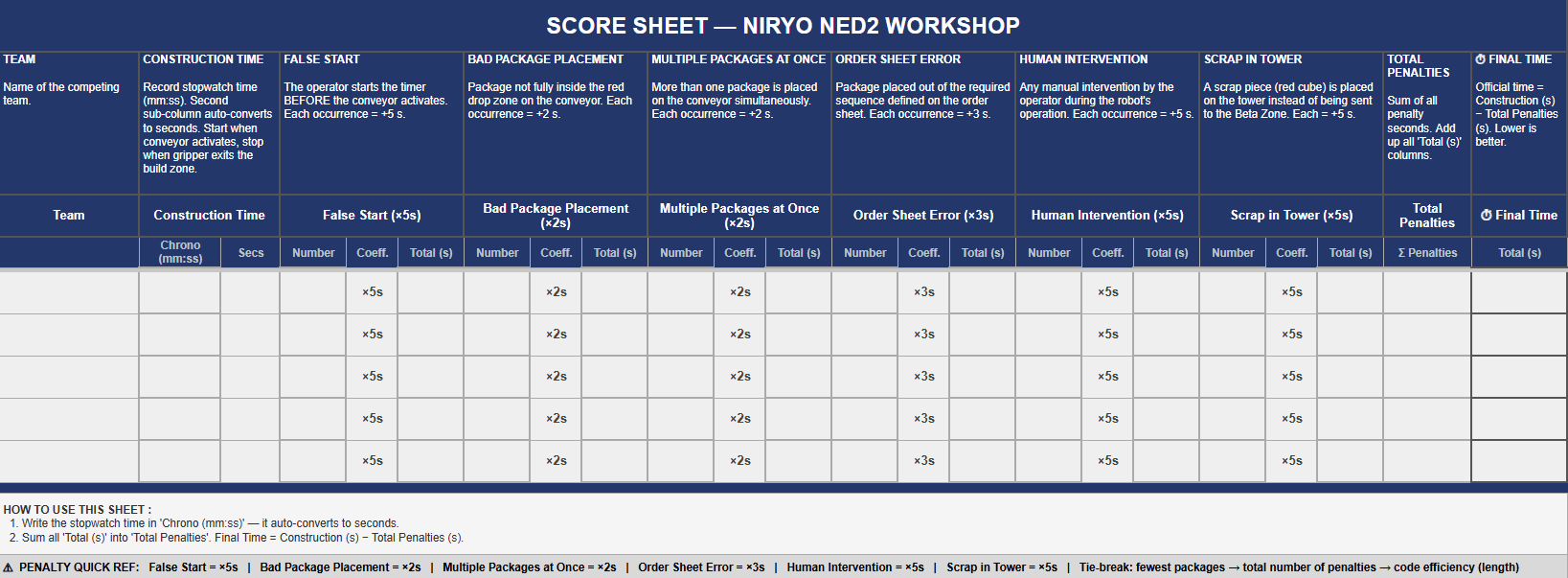
Tie-breaking Criteria
In case of a tie, teams are ranked according to:
- The number of packages used.
- The total number of penalties.
- Code simplicity (number of code blocks used).