Presenter's guideline - WS0 : From simulation to Real world
🎯Build a complete vision pick and place inside the simulation then Participants transfer the code to the real robot.
⏱️3 hours
Step 4: Create Your First Program in Simulation
Action:
-
Manually pick a circle from the storage area and place it on the vision plate.
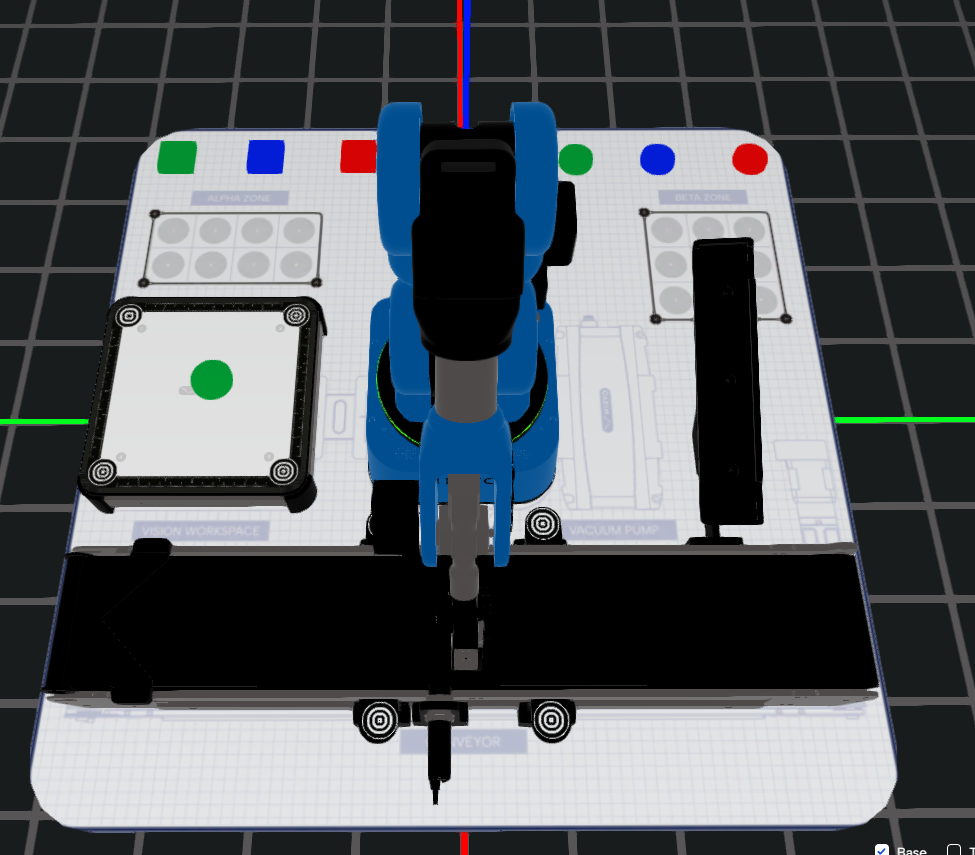
-
Open the camera feed by clicking Vision Set (top right).
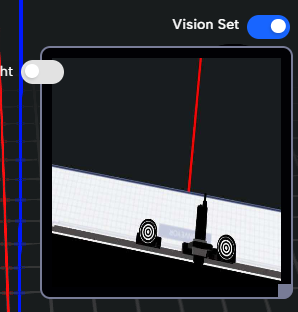
-
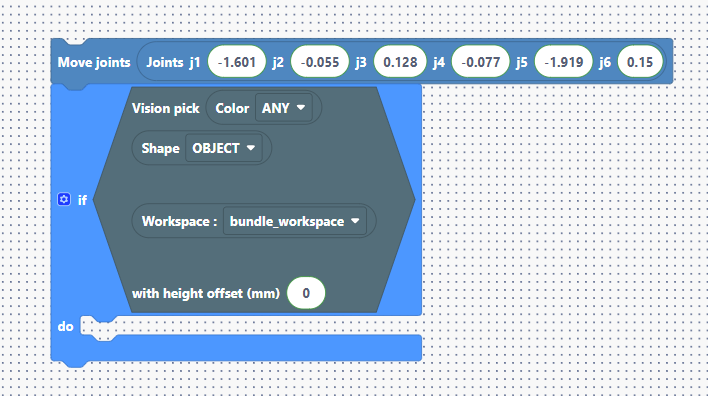
Double-click the vision plate and save the current observation pose using Add position.
Advice: Be sure to use save mode ‘Joints’.
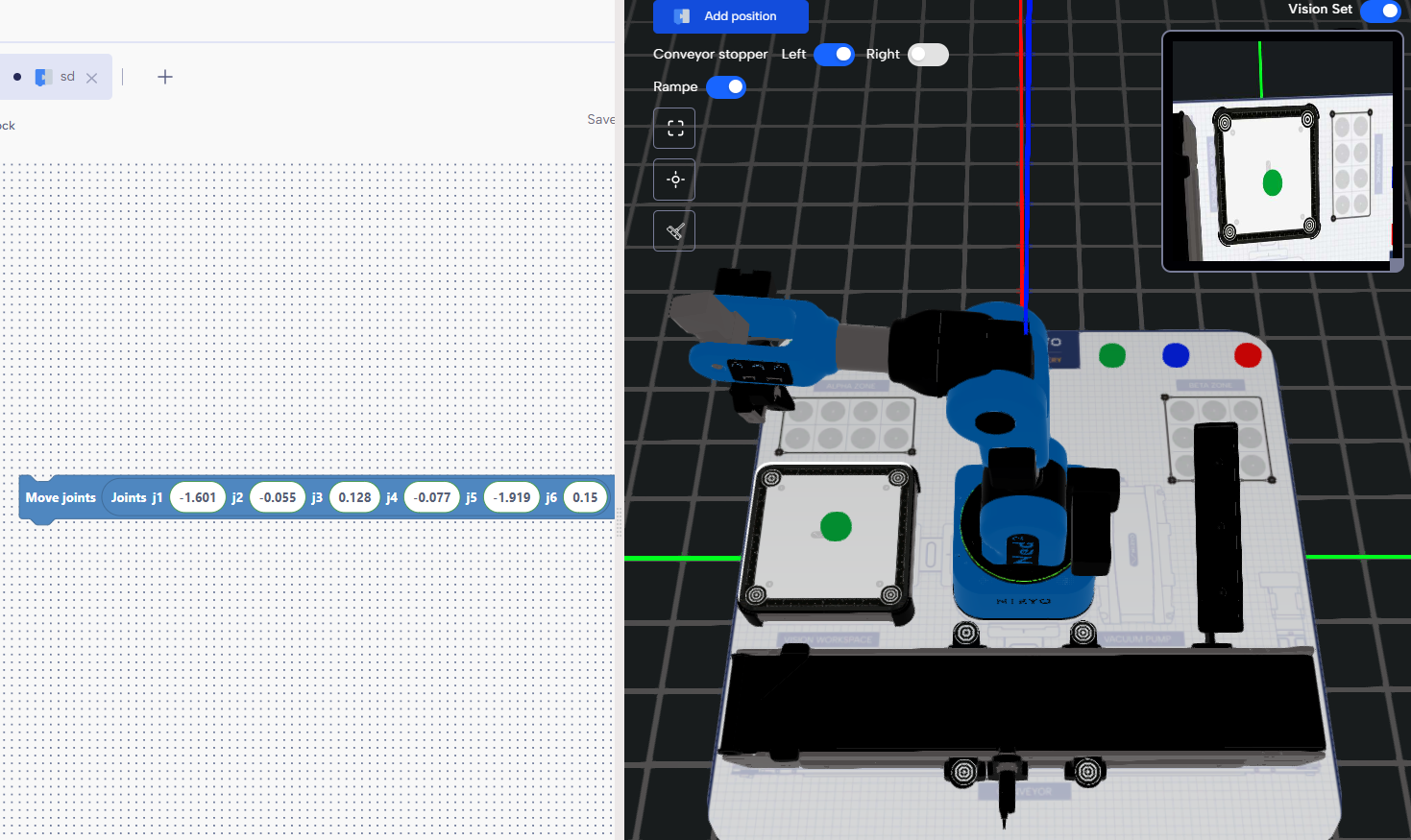
-
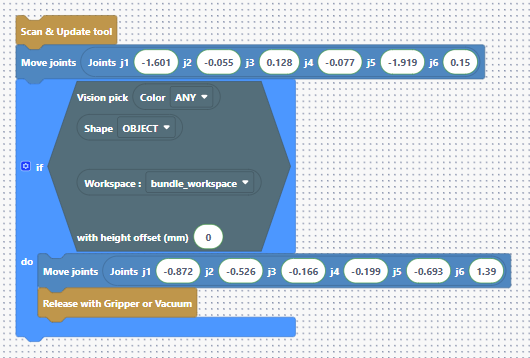
Add an If block containing the Vision Pick template, and select the correct workspace: bundle_workspace.
-
Move the robot above the left side of the conveyor, Save this as your place position, and add a Release with Tool block.
Put the 2 blocks in the “do” of the “if” block
Since you are using the gripper, add a Scan Tool block at the top of your program to ensure the robot detects the tool.