


Start with Grippers, electromagnet & vacuum pump
Completion requirements
General overview:
Here is a video on how to
- Connect your grippers: custom, adaptive, large and also vacuum pump and electromagnet
- Understand how to use the Blockly blocks to control the grippers
🔎Get a deeper understanding
Find the technical specifications of our grippers here.
STEP 1: Setup manually your gripper
- First, insert the gripper into the magnetic end effector.
- Then, connect the gripper to the corresponding plug on the right side of the end effector.
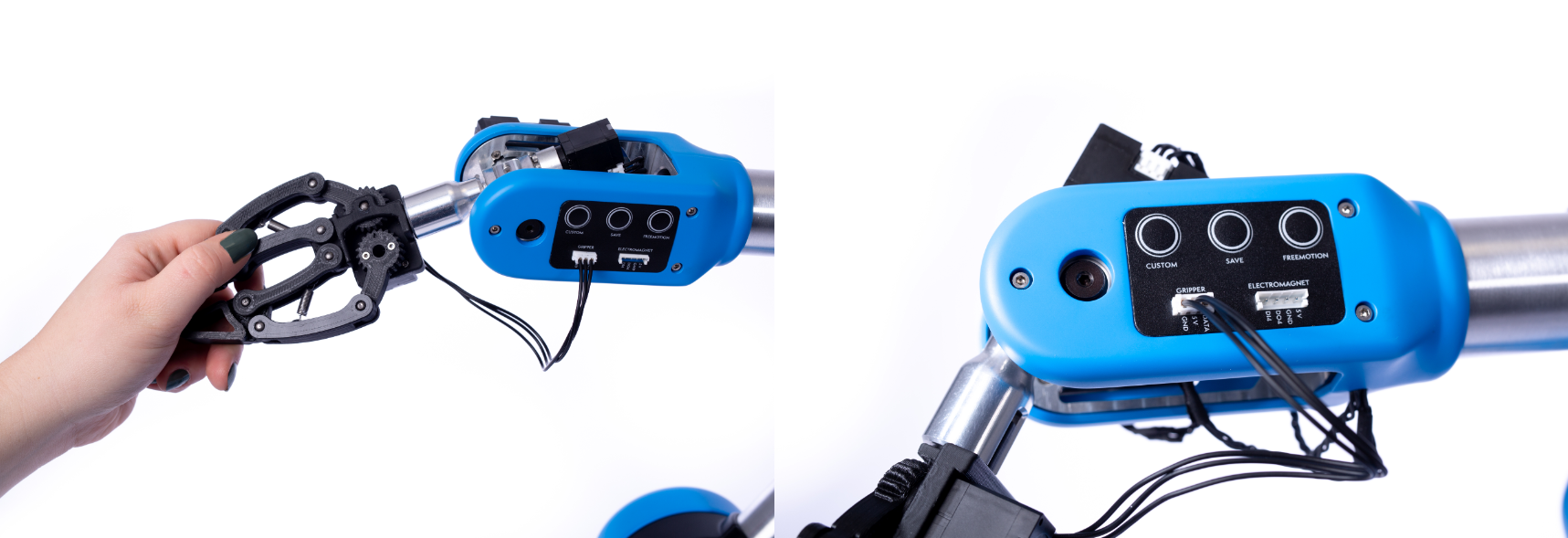
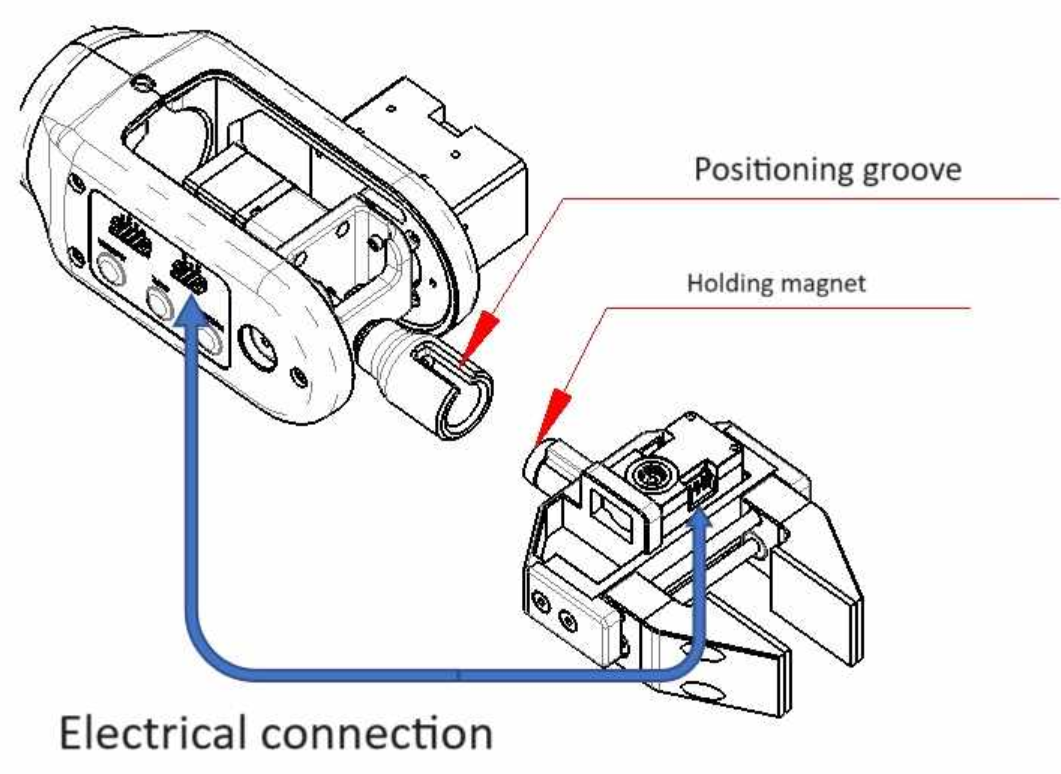
STEP 2: Control your accessories in NiryoStudio
- In "Equipment" you can control any accessories connected to the robot. Each one will have their specific parameters.
- Click on "New Scan" to start using your equipment in NiryoStudio
- Alternatively, you can use the block "Scan & update tool" to run a scan of all the I/O of the robot and start using the tools in your Blockly program.
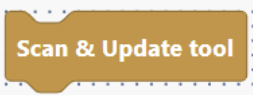
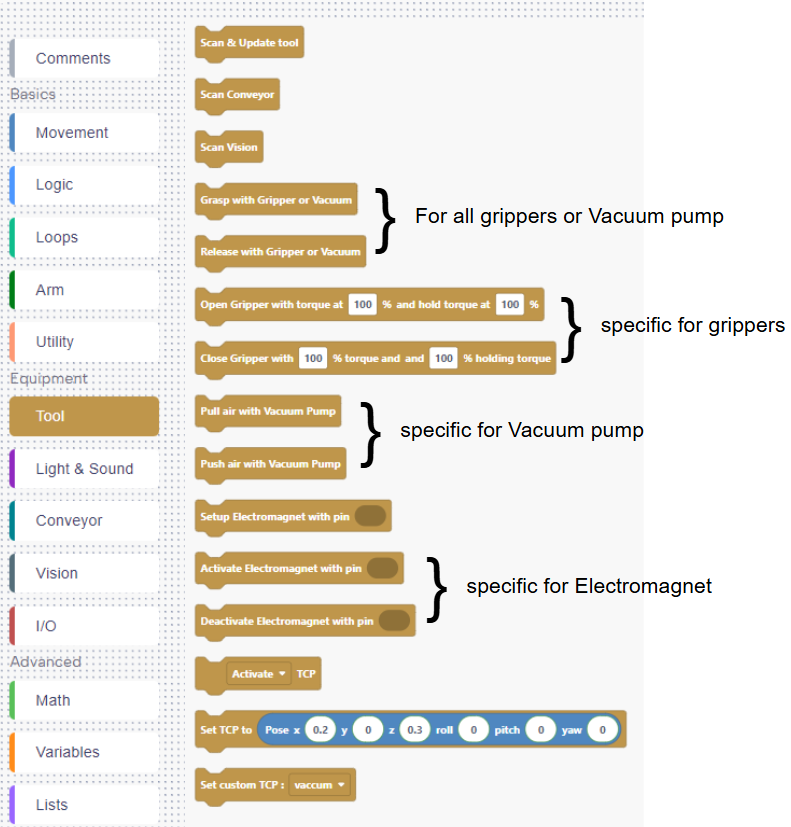
STEP 3: Start using your gripper in your Blockly program
These are the blocks necessary to start using your tools:
💡Quick start
You can also download the Blockly programs here:
Last modified: Wednesday, 8 April 2026, 2:35 PM