


STEP 4: Calibrate your robot
General overview:
Before moving your robot, you need to calibrate the motors. This procedure must be done each time you reboot your robot.
The robot LED Ring will be in a slow blue chase. This indicates the calibration of the robot is required.
STEP 1:
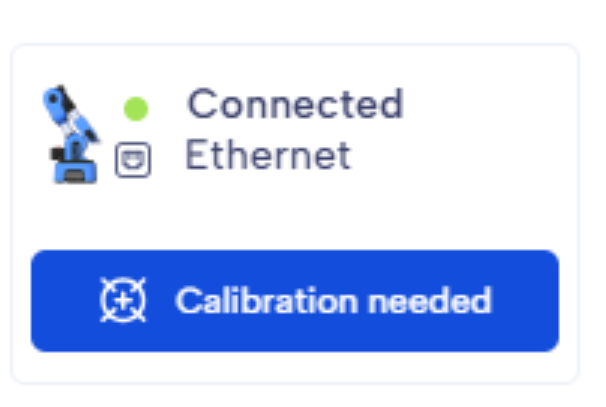
Once your Ned2 is connected, the software will prompt you to perform a calibration. Simply click the 'Calibration Needed' button, and the robot will automatically calibrate.
STEP 2:

At the end of the process, a message will appear to confirm whether the calibration was successful.
STEP 3:

If you need to redo the calibration, simply go to the top of the Dashboard and click 'New Calibration.
💡Useful tips:
Manually: You can also perform the robot's first calibration by pressing the button "Custom" on the robot's wrist.
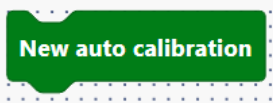
Blockly: You can run a new calibration with the block "New auto calibration"
Get a deeper understanding
Why does your NED2 robot need a calibration? The calibration matches up the position of each stepper motors with its controller.