


STEP 1: Start with NiryoStudio
Completion requirements
NiryoStudio allows a fast and direct control of the Niryo Robots with an external computer.
STEP 1: Download NiryoStudio
Visit our website and download the latest version of NiryoStudio for your operating system (Windows, macOS, or Linux).
STEP 2: Install NiryoStudio:
Follow the installation instructions provided with the download package to install NiryoStudio on your computer.
STEP 3: Create your Account
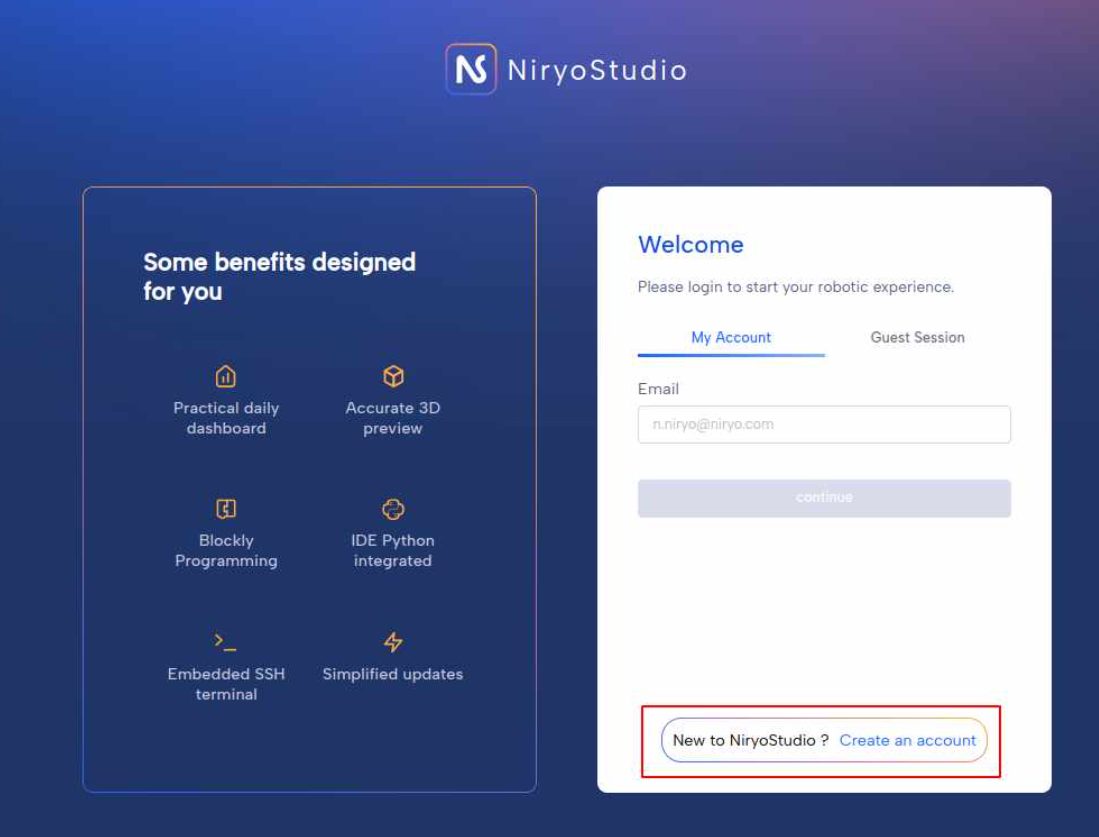
On the login screen, click the option that says “Create an account”.
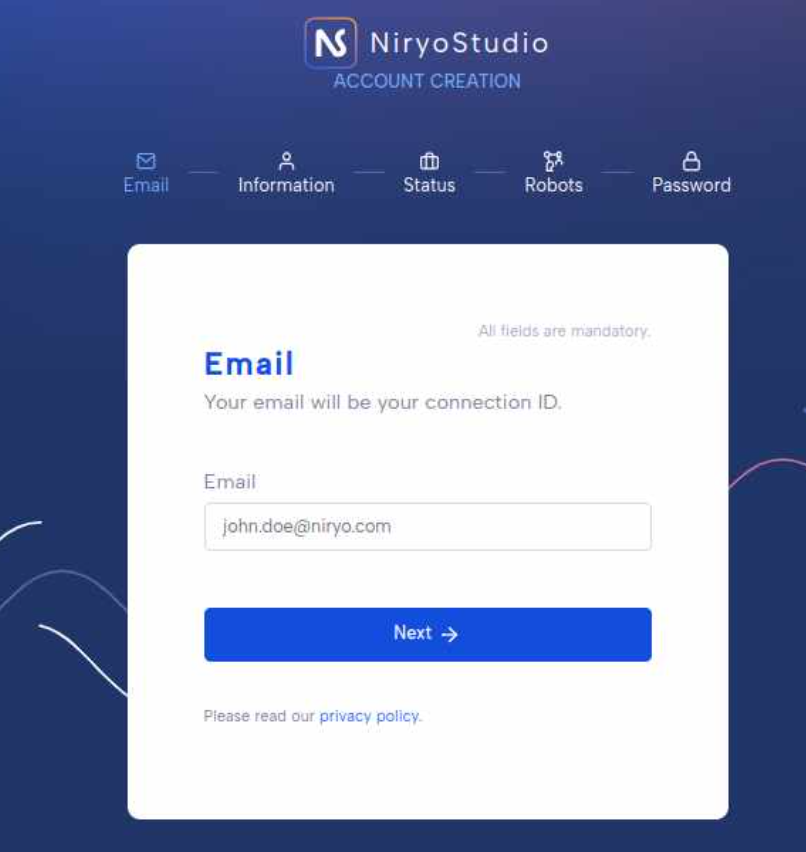
Fill out your email
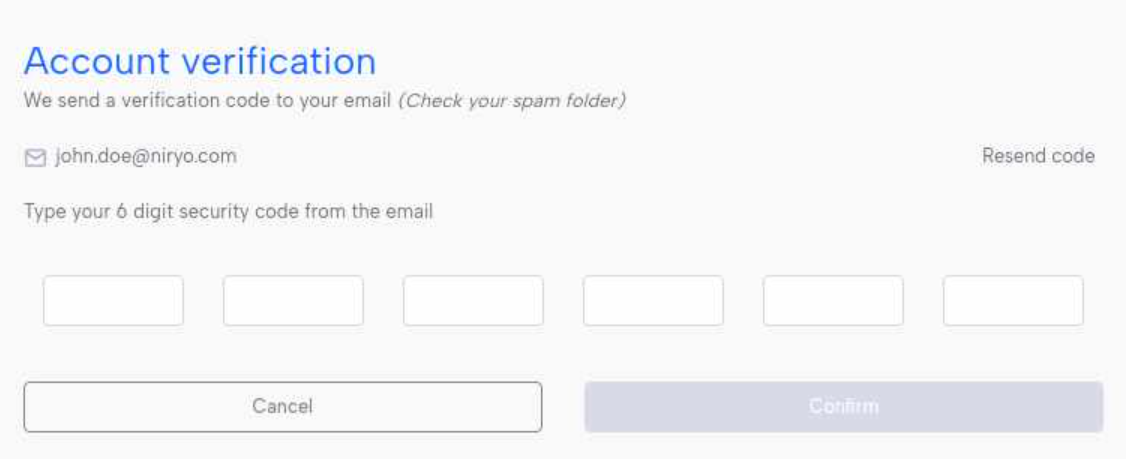
And check your email inbox for a verification from NiryoStudio.
Then, fill out your remaining informations. Choose a strong password. Make sure it meets the platform’s security criteria (e.g., length, special characters).
Return to the NiryoStudio login page.
Enter your email and password to log into your newly created account.
If you do not have network access, NiryoStudio can be used in offline mode.
Last modified: Wednesday, 8 April 2026, 2:22 PM