


Presenter Guideline - Preparation for all Workshops
Preparation for Workshop
1. Familiarize Yourself with the Bundle
-
Watch this video to learn how to install the Niryo Discovery Bundle and get familiar with its different tools:
Setup the Niryo Discovery Bundle – Step by Step
Here is the final setup you will need to have for all the workshops in this guide:
- Place the vision workspace on the conveyor belt on its center
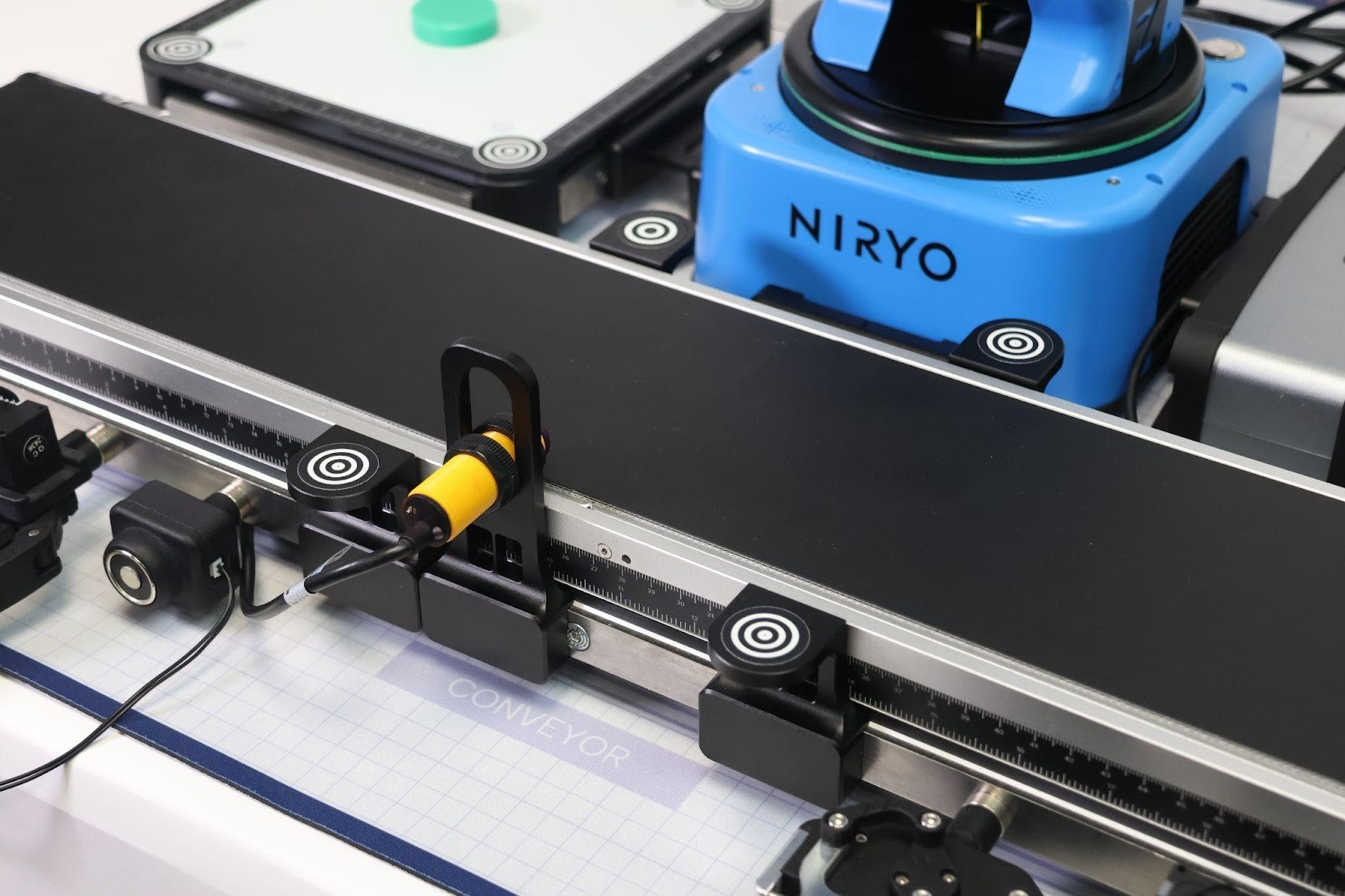
- Place the IR sensor within the vision workspace
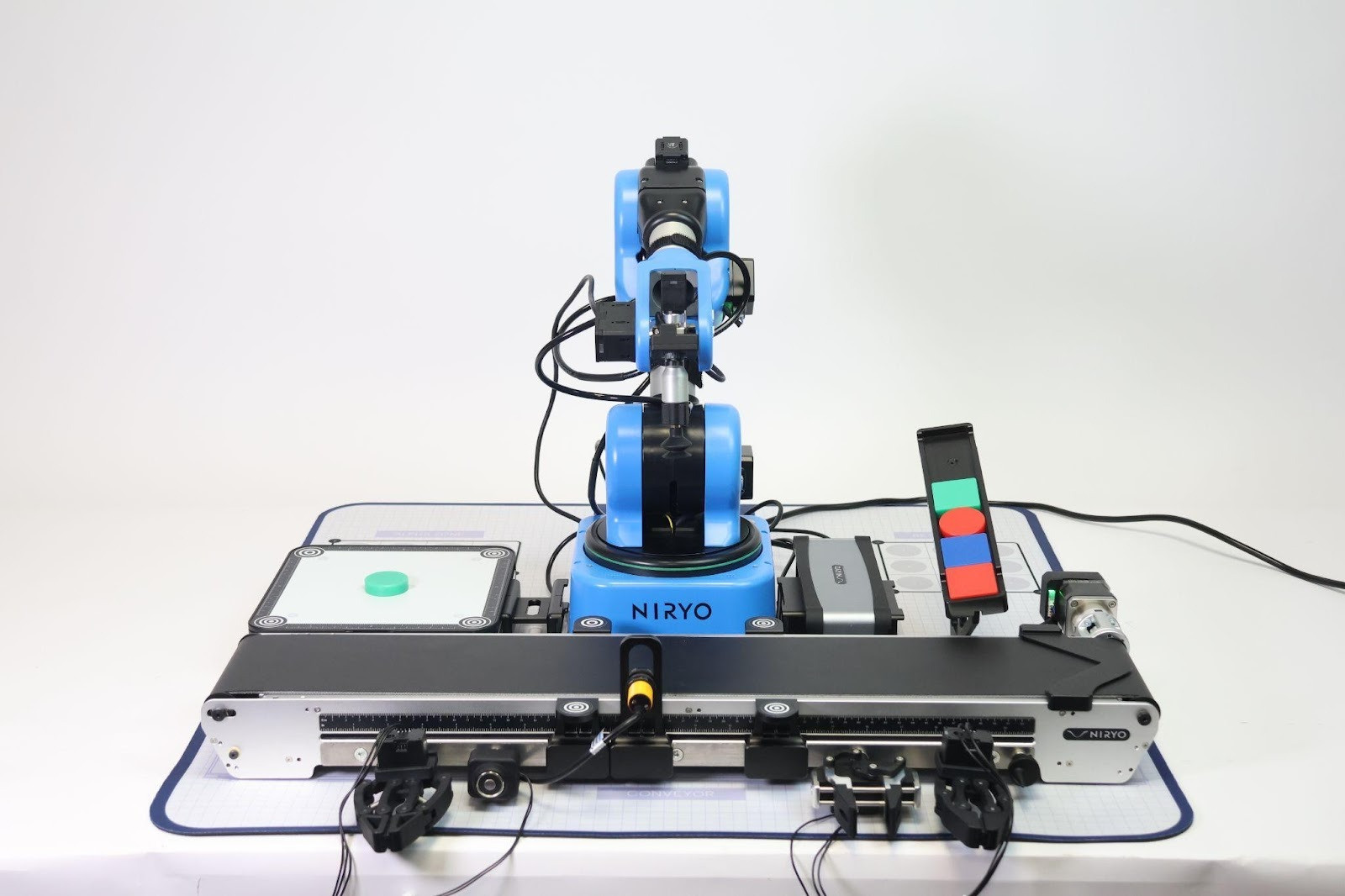
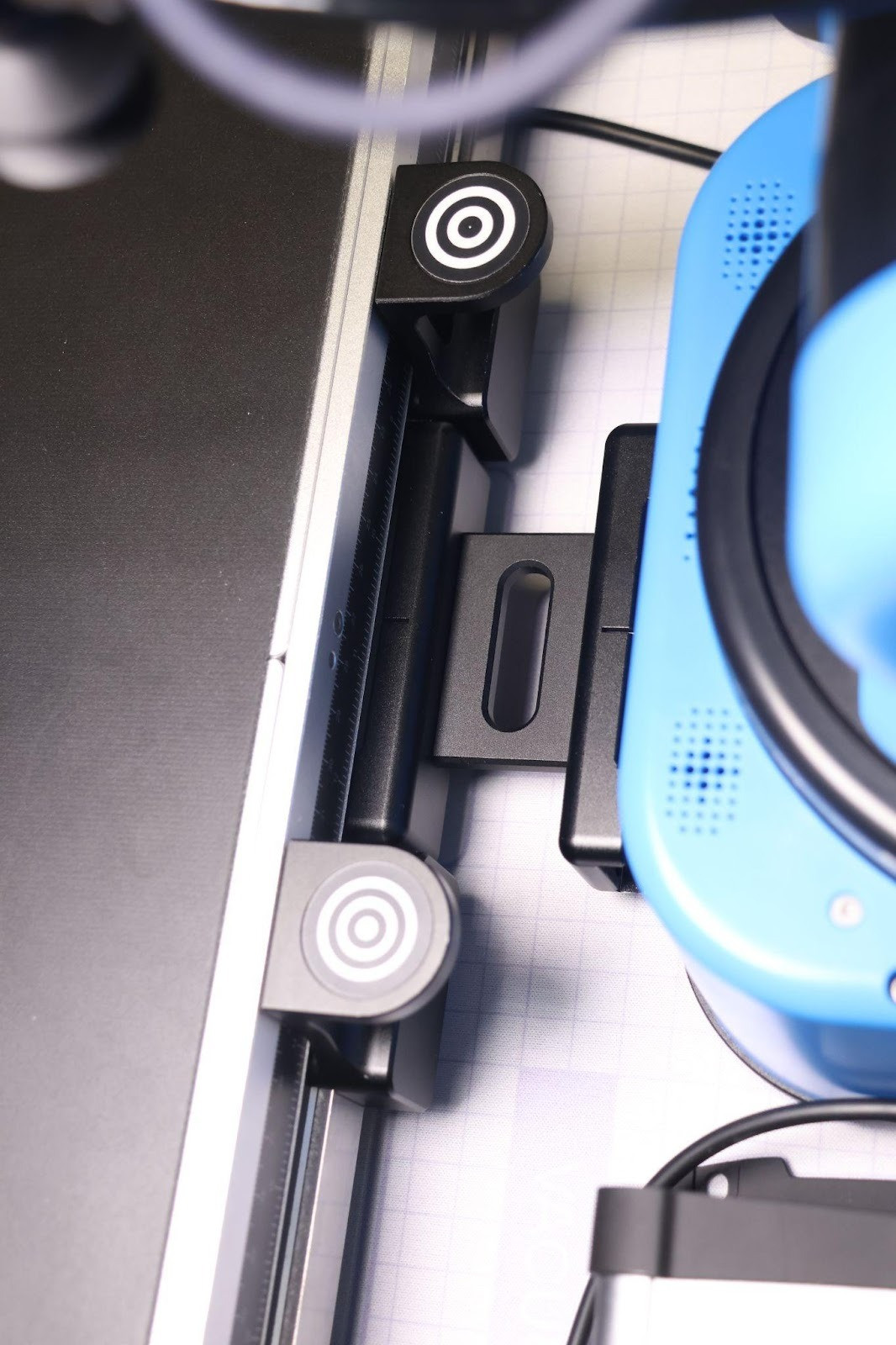
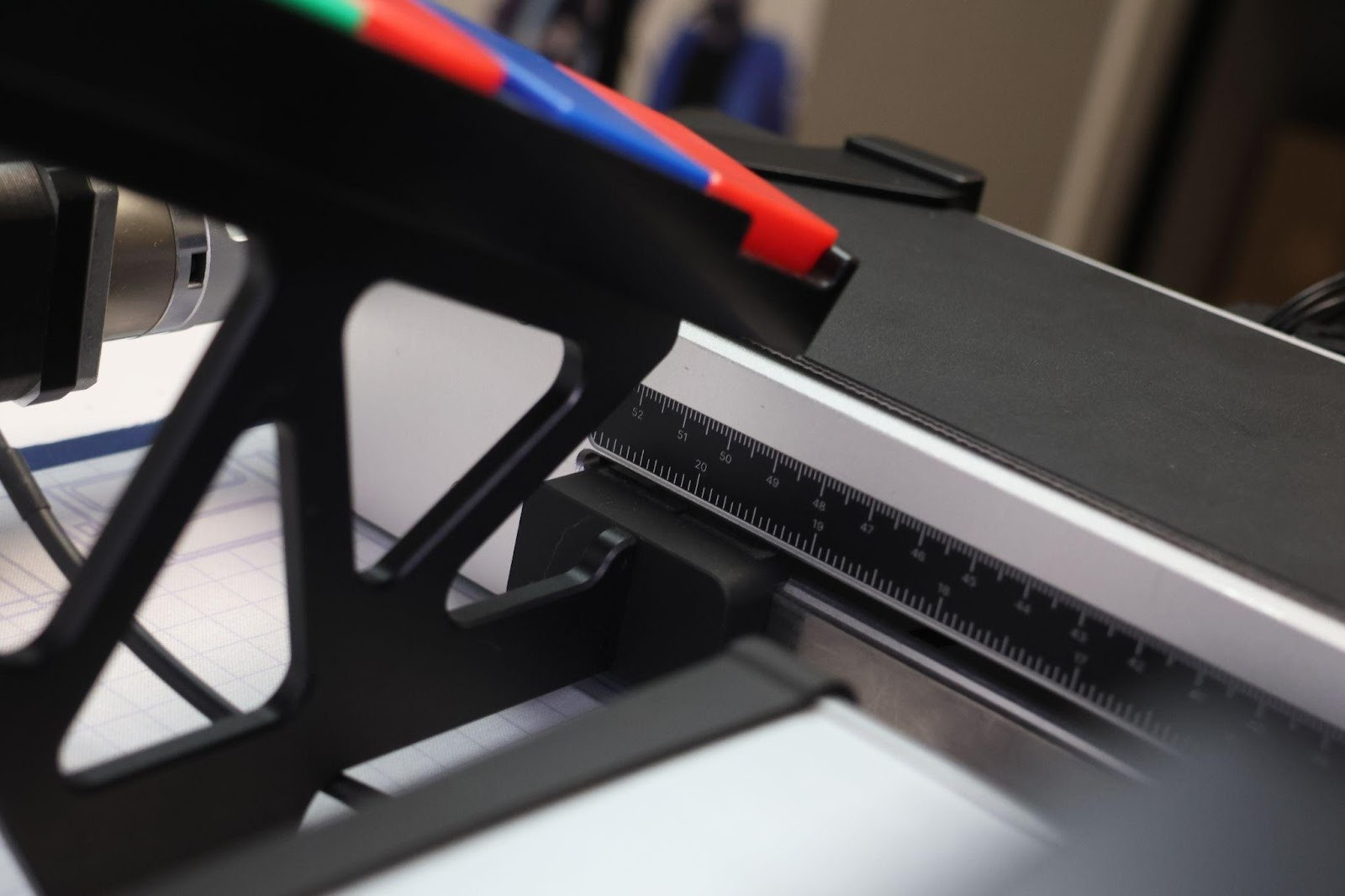
- The conveyor workspace , the IR and the slope are positioned as follows:
2. Calibrate the IR Sensor (for Workshop 2 and Workshop 3 only)
-
Follow the calibration procedure shown in this video:
Calibrate the IR Sensor
3. Create the conveyor workspace (for Workshop 3 only)
-
Workshop 3 uses the vision workspace of the conveyor. You will need to create this workspace before presenting the workshop so that participants can start directly with the coding.
We recommend creating the workspace once the setup is in its final presentation location, ensuring that the workspace remains aligned and accurate throughout the session.
You can follow this guide to achieve this step.
4. Download the Example Code
-
Download the final code examples here: Download Here
-
These contain templates/solutions for allworkshops.
⚠ You may need to update the positions and adjust workspaces to match your own setup.
5. Practice Beforehand
-
Train yourself by creating the code for your workshop(s) from scratch to make sure everything works as expected.
-
Use the provided templates only for reference.
For all manipulations, we recommend using the vacuum pump, as it is the easiest gripper to use for both pick-and-place operations and vision-based tasks.
6. Safety & Starting Position
-
Before starting any program, ensure the robot is in a safe starting position where it can reach the first programmed point without risk of collision.
-
Always think about clear paths and intermediate positions to avoid hitting equipment.
7. Connecting your robot
Connect your robot to your computer with Ethernet connection for improved stability and reduced latency.
Please refer to the documentation [Here] for detailed instructions on how to connect the robot via direct Ethernet.
BONUS
You will find the complete guidelines on how to get started with the Discovery Bundle here.
If you need any support on how to setup the Discovery Bundle or how to use the Workshops, you can contact us at customersuccess@niryo.com.